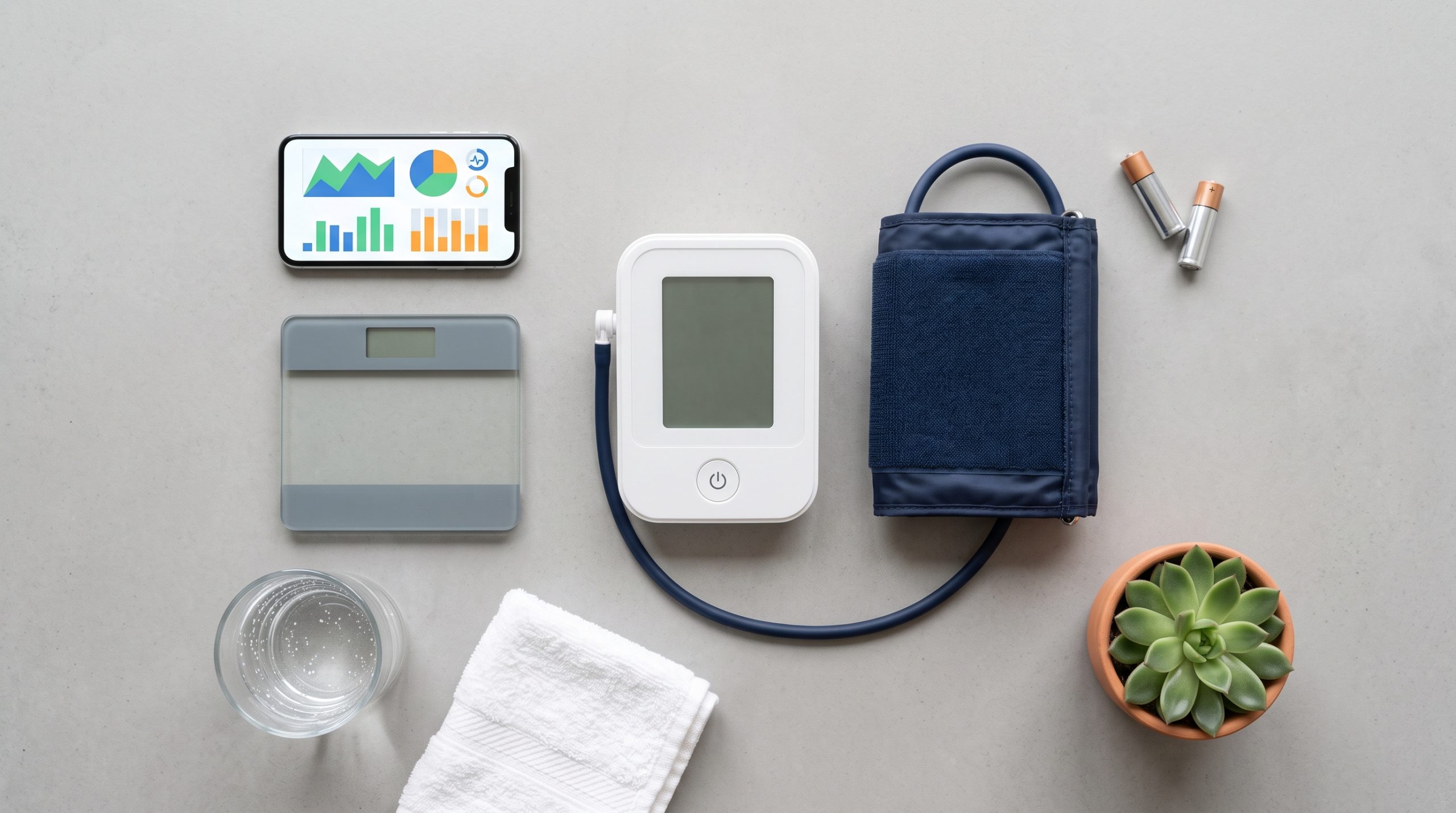
How to track your health at home on a $50 budget — a practical step-by-step guide to the best tools, apps, and habits for home health monitoring in 2026.
Quick Answer: You don’t need expensive wearables or a gym membership to build a meaningful home health monitoring routine. For under $50, you can track blood pressure, resting heart rate, sleep quality, activity levels, and weight — all the metrics that matter most for long-term health. This guide gives you the exact setup.
Why Home Health Monitoring Matters More in 2026
Healthcare in the US has shifted. Preventive monitoring — catching trends before they become problems — is now the standard recommendation from the American Heart Association, CDC, and most primary care physicians. The problem: most people wait until something feels wrong before paying attention to their numbers.
Home health monitoring closes that gap. It gives you baseline data when you’re healthy, early warning when something drifts, and concrete information to bring to your doctor instead of vague descriptions of how you feel.
The barrier most people cite: cost. The good news — you need less equipment than you think, and most of it costs less than one copay.
What You Actually Need to Monitor at Home
Before buying anything, understand what metrics actually matter for most healthy adults:
| Metric | Why It Matters | How Often |
|---|---|---|
| Blood pressure | Leading indicator of cardiovascular risk | Daily (morning) |
| Resting heart rate | Reflects cardiovascular fitness and recovery | Daily (morning) |
| Sleep duration & quality | Affects every other health metric | Nightly |
| Daily steps / activity | Predicts long-term mobility and metabolic health | Daily |
| Weight / body composition | Tracks trends, not daily fluctuations | Weekly |
Five metrics. All trackable at home. All actionable without medical training.
The $50 Home Health Monitoring Setup
Here’s the exact setup I recommend for anyone starting from zero — prioritized by impact per dollar.
Tool 1 — Blood Pressure Monitor (~$35–45)
Recommended: Omron Series 3
The highest-impact purchase in this entire list. Blood pressure is the leading modifiable risk factor for heart disease and stroke — and most people have no idea what their numbers are until something goes wrong.
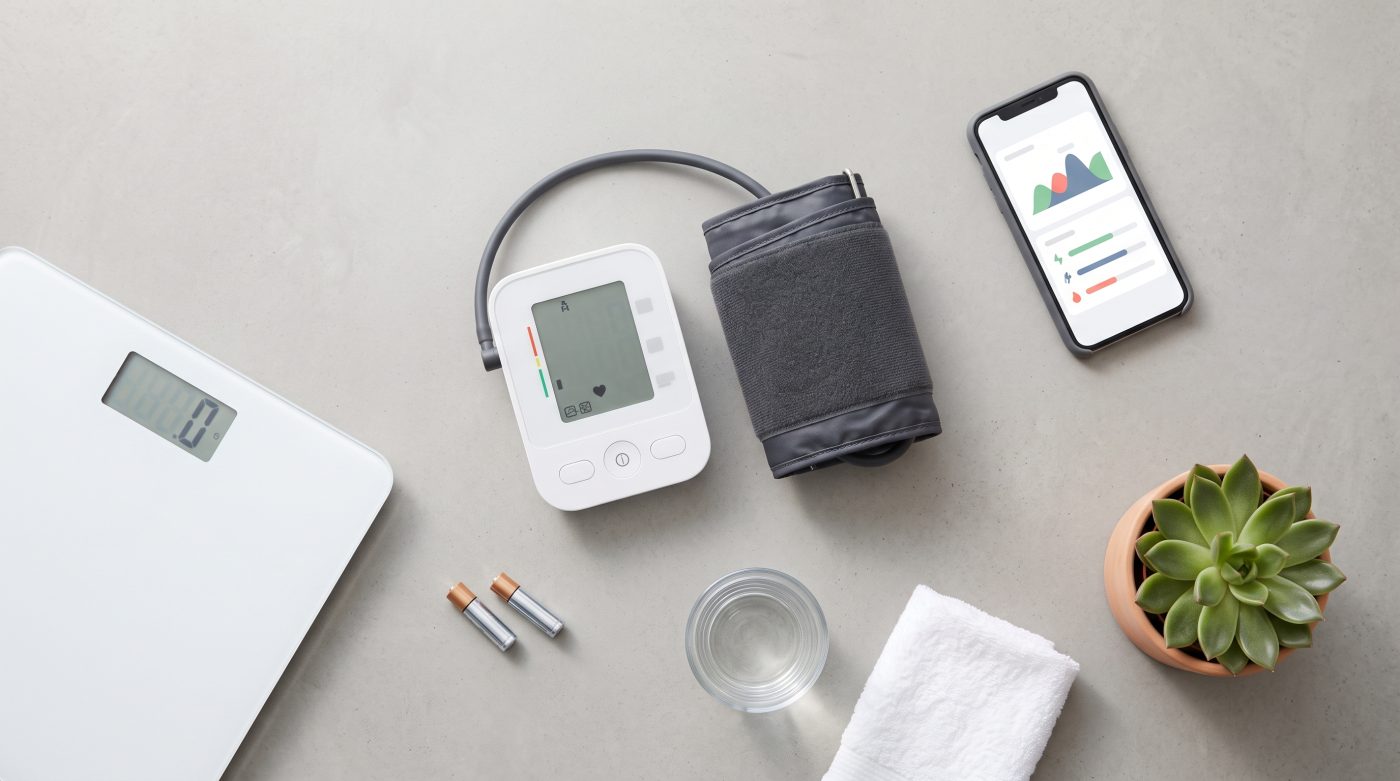
The Omron Series 3 is clinically validated (AAMI/ESH/ISO certified), one-button operation, and available at CVS, Walgreens, and Target for $35–45. It stores 60 readings, detects irregular heartbeat, and requires zero tech setup.
How to use it correctly:
- Sit quietly for 5 minutes before measuring
- Arm at heart level, back supported, feet flat
- Take two readings, 1 minute apart — record the average
- Measure every morning before medication or coffee
What the numbers mean:
- Normal: below 120/80 mmHg
- Elevated: 120–129 / below 80
- High (Stage 1): 130–139 / 80–89
- High (Stage 2): 140+ / 90+ → see a doctor
Tool 2 — Free Health Tracking App (~$0)
Recommended: Apple Health (iOS) or Google Health Connect (Android)
Before spending money on a separate app, use what’s already on your phone. Apple Health and Google Health Connect aggregate data from your phone’s built-in sensors and any connected devices automatically.
What your phone already tracks for free:
- Steps and walking distance (accelerometer)
- Flights of stairs climbed (barometer)
- Walking heart rate (if you have a connected wearable)
- Sleep duration (if you charge your phone away from your bed)
Manually log blood pressure readings from your Omron directly into Apple Health or Google Health — both have dedicated blood pressure logging fields. Over 30 days, the trend data becomes genuinely useful for a doctor’s visit.
If you want more: MyFitnessPal (free tier) for nutrition, Sleep Cycle (free tier) for sleep quality, and Bearable for symptom tracking are all strong free options.
Tool 3 — Smart Scale (~$0–25, optional)
Recommended: Renpho Basic (~$25) or use your existing scale
Weight alone is a poor health metric — but weight trend over time, tracked weekly, is meaningful. A basic digital scale accurate to 0.1 lbs is sufficient. If you want body composition (body fat %, muscle mass, BMI) the Renpho Basic uses bioelectrical impedance and syncs to a free app for ~$25.
Important: Weigh yourself weekly, not daily. Daily weight fluctuates 2–5 lbs based on water retention, food timing, and hormonal cycles. Weekly trend is the data point that matters.
Staying Under $50 — The Priority Order
| Tool | Cost | Priority |
|---|---|---|
| Omron Series 3 blood pressure monitor | ~$40 | 🔴 Buy first |
| Apple Health / Google Health Connect | Free | 🔴 Set up immediately |
| Sleep Cycle app (free tier) | Free | 🟡 Set up week 2 |
| Renpho Basic smart scale | ~$25 | 🟢 Add if budget allows |
| Total (with scale) | ~$65 | |
| Total (without scale) | ~$40 | ✅ Under $50 |
Step-by-Step: Your First 30 Days
Week 1 — Establish Baselines
Take blood pressure readings every morning and evening. Don’t react to individual readings — you’re building a baseline. Log everything. Normal variation of 10–15 mmHg between readings is expected.
Week 2 — Add Sleep Tracking
Enable Sleep Cycle or Apple Health sleep tracking. Place phone face-down on your mattress or nightstand. After 7 days you’ll have your average sleep duration and a rough quality score — most people are surprised by how little deep sleep they actually get.
Week 3 — Add Step Goal
Set a daily step goal of 7,000–10,000 steps. Research consistently shows 7,000 daily steps reduces all-cause mortality risk by 50–70% compared to sedentary baselines. Your phone already counts these — just check the number.
Week 4 — Review and Adjust
After 30 days you have: blood pressure baseline, sleep average, and step count average. Bring this data to your next doctor’s appointment. It’s more useful than “I think I’ve been a little tired lately.”
The Free App Stack — No Wearable Needed
| App | Platform | What It Tracks | Cost |
|---|---|---|---|
| Apple Health | iOS | Steps, heart rate, sleep, BP logs | Free |
| Google Health Connect | Android | Steps, activity, connected device data | Free |
| Sleep Cycle | iOS/Android | Sleep duration and quality estimate | Free (basic) |
| MyFitnessPal | iOS/Android | Nutrition, calories, macros | Free (basic) |
| Bearable | iOS/Android | Symptoms, mood, energy levels | Free (basic) |
All five apps work without a wearable. Your phone’s built-in sensors handle most of the data collection automatically.
When to See a Doctor — Red Flags to Watch For
Home monitoring is not a replacement for medical care. These readings warrant a doctor visit regardless of how you feel:
- Blood pressure consistently above 140/90 over 5+ days
- Resting heart rate consistently above 100 bpm
- Irregular heartbeat flag appearing repeatedly on blood pressure monitor
- Unexplained weight gain of 5+ lbs in a week
- Sleep duration consistently below 5 hours despite normal bedtime
People Also Ask
Q: Can I track my health at home without a wearable?
A: Yes — a blood pressure monitor and your smartphone’s built-in sensors cover the five most important health metrics without any wearable. Add a smart scale for body composition if budget allows.
Q: Is home blood pressure monitoring accurate enough to trust?
A: Clinically validated monitors like the Omron Series 3 are accurate within ±3 mmHg of medical-grade devices when used with correct technique. They’re accurate enough to identify trends and inform doctor conversations.
Q: How often should I check my blood pressure at home?
A: For general monitoring: once daily in the morning. For hypertension management: morning and evening, before medication. Avoid checking more than twice daily — it creates anxiety without adding useful data.
Q: What’s the most important health metric to track at home?
A: Blood pressure, for most adults. It’s the leading modifiable cardiovascular risk factor, has no symptoms until it’s dangerously high, and is easy to measure accurately at home.
Q: Are free health apps accurate?
A: For step counting and sleep duration — reasonably accurate. For heart rate without a dedicated sensor — less reliable. Free apps are best used for tracking trends over time rather than precise individual measurements.
Final Checklist — Your $50 Home Health Setup
- Omron Series 3 purchased (~$40 at CVS/Walgreens/Target)
- Apple Health or Google Health Connect set up and synced
- Blood pressure readings logged daily — morning routine
- Sleep Cycle or equivalent enabled — phone charging away from bed
- Step count checked daily — goal: 7,000–10,000 steps
- Weekly weigh-in scheduled — same day, same time, same conditions
- 30-day data ready for next doctor’s appointment
📌 Save this guide and set a reminder to review your numbers at the 30-day mark. The data you collect this month could be the most useful health information you’ve ever had.