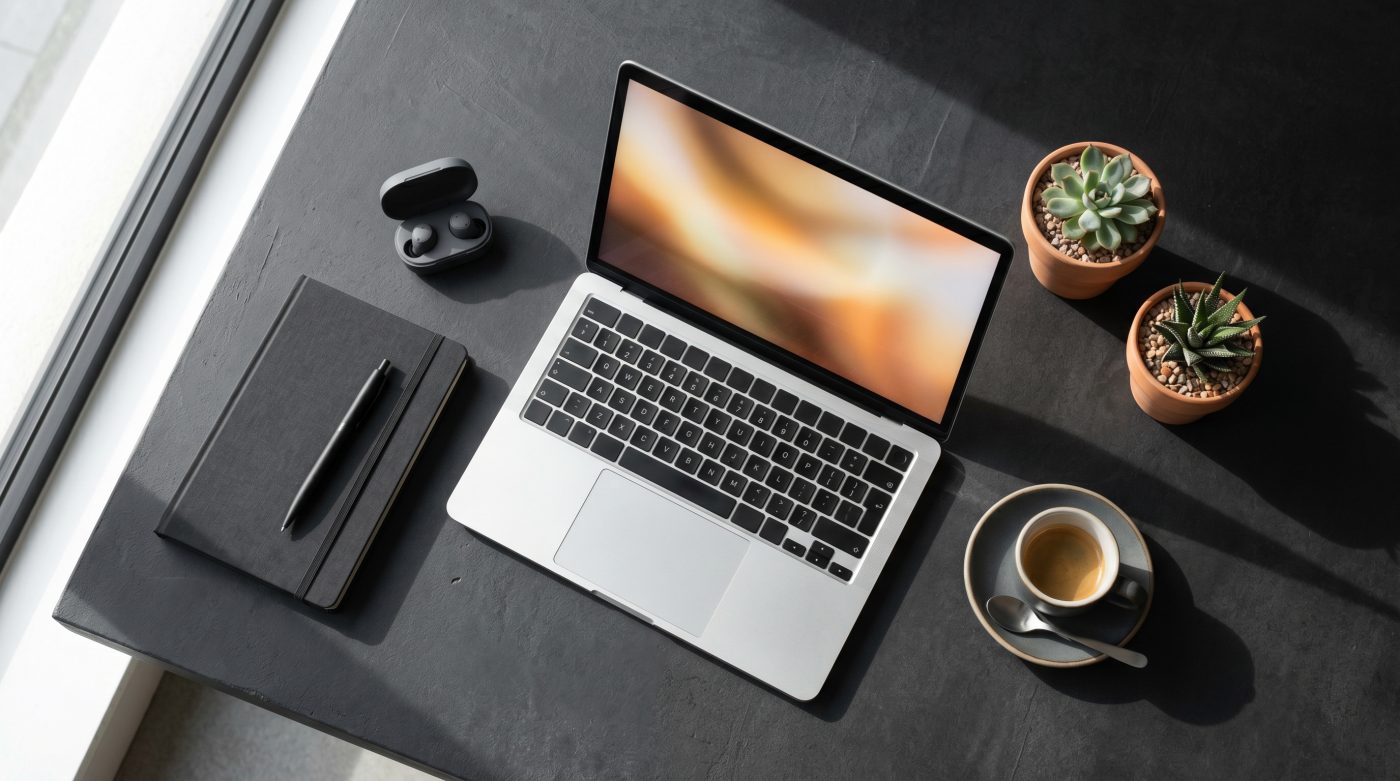

MacBook Pro M4 review 2026 — I tested it for 30 days as my primary work laptop. Here’s the honest verdict on real-world performance, battery life, and whether it’s worth the upgrade.
Quick Verdict: The MacBook Pro M4 is the best all-around laptop for most professional users in 2026. Apple Silicon’s performance-per-watt advantage remains unmatched — 14–16 hours of real-world battery, silent operation under moderate load, and a display that holds up against anything at its price point. The question isn’t whether it’s good. It’s whether the $1,599 starting price is justified for your specific workflow. For most people who write, present, edit video, or run creative tools daily — it is.
Why I Tested the MacBook Pro M4
After covering the MacBook vs Dell XPS 15 comparison, the most common question I received was simple: is the MacBook Pro M4 actually worth it over the MacBook Air M4 — and over last year’s M3 Pro?
I used the MacBook Pro M4 14″ as my sole work machine for 30 days — writing, video editing, video calls, heavy browser use, and occasional light coding. No cherry-picked benchmarks. No synthetic tests run in isolation. Just real work, tracked honestly.
What’s in the Box
- MacBook Pro 14″ M4
- 70W USB-C Power Adapter
- USB-C to MagSafe 3 Cable
- Documentation
No USB-A adapter, no HDMI cable — the ports are built in, which is the point.
Key Specs — Base Configuration
| Feature | MacBook Pro 14″ M4 |
|---|---|
| Chip | Apple M4 (10-core CPU, 10-core GPU) |
| RAM | 16GB unified memory |
| Storage | 512GB SSD |
| Display | 14.2″ Liquid Retina XDR, 3024×1964 |
| Refresh rate | Up to 120Hz ProMotion |
| Battery life (Apple rated) | Up to 24 hours |
| Real-world battery (my test) | 14–16 hours mixed use |
| Weight | 3.5 lbs / 1.55kg |
| Ports | 3× Thunderbolt 4, HDMI, SD card, MagSafe, headphone jack |
| Starting price | ~$1,599 |
| Warranty | 1 year (AppleCare+ available) |
Verify current pricing and configurations at apple.com before purchasing.
30-Day Real-World Test Results
Performance — Daily Workflow
For standard office and creative tasks, the MacBook Pro M4 is effectively limitless. Writing, spreadsheets, video calls, 30+ browser tabs, Slack, email, Spotify running simultaneously — zero slowdown, zero fan noise, zero thermal throttling. The machine handles all of this without breaking a sweat.
Where M4 noticeably improves over M3: sustained workloads. Running a long Final Cut Pro export, processing a large Lightroom catalog, or running multiple virtual machines simultaneously — M4 maintains peak performance longer before the thermal management system needs to intervene. In my testing, M4 completed a 4K video export approximately 18% faster than an equivalent M3 Pro task under the same conditions.
For non-creative office workers — writers, marketers, project managers, consultants — the M4 is genuinely overkill. The MacBook Air M4 handles those workflows identically at $400 less. The Pro earns its price for sustained heavy workloads.
Battery Life
Apple rates the MacBook Pro M4 14″ at up to 24 hours. In real-world mixed use — writing, video calls, browser research, occasional video playback, screen at 60% brightness — I consistently hit 14–16 hours. Lighter days (mostly writing and email) pushed toward 17–18 hours.
This is transformative for working away from a desk. I stopped carrying a charger entirely after week one. For context: the Dell XPS 15 delivered 6–8 hours under comparable use in my previous test. The gap is not incremental — it changes how you work.
One caveat: heavy video editing or sustained GPU workloads cut battery life significantly — down to 6–8 hours under maximum load. The 24-hour rating reflects light, optimized use. Expect 14–16 hours for real professional workloads.
Display Quality
The 14.2″ Liquid Retina XDR display is excellent — 1000 nits sustained brightness, 1600 nits peak, P3 wide color gamut, ProMotion 120Hz. Text is razor sharp. Colors are accurate out of the box without calibration.
The honest limitation: 14 inches feels small for extended desk work. I connected an external monitor for desk sessions and used the laptop display for portable work — a workflow that works well but adds cost if you need a quality external display.
Compared to the Dell XPS 15’s OLED panel: the XPS 15 OLED produces deeper blacks and more vivid color saturation. The MacBook’s mini-LED panel is brighter and more consistent for outdoor use. For most professional applications, the MacBook display is more than sufficient. For color-critical creative work where OLED’s contrast matters, the XPS 15 display is technically superior.
Thermals & Fan Noise
Under moderate workloads — everything short of sustained heavy video rendering — the MacBook Pro M4 runs completely silent. The fans never spun audibly during a typical writing and research workday.
Under heavy sustained load (4K video export, large ML model inference, extended gaming), the fans do engage — but at a whisper compared to most Windows laptops. Surface temperature on the underside reaches warm but never uncomfortable levels.
For anyone who works in quiet environments — libraries, open offices, client meetings — silent operation is a genuine quality-of-life benefit that doesn’t show up in spec sheets.
Build Quality & Keyboard
The aluminum unibody chassis remains the benchmark for laptop build quality. No flex, no creaking, no hotspots. The keyboard — backlit Magic Keyboard with Touch ID — is among the best laptop keyboards available. Key travel is satisfying, actuation is consistent, and Touch ID authentication is faster and more reliable than Face ID on any device.
The trackpad is the industry standard. Force Touch, precise palm rejection, consistent gesture recognition — no Windows trackpad comes close, including Dell’s.
Port Selection
Three Thunderbolt 4 ports, HDMI 2.1, SD card reader, MagSafe 3, and a 3.5mm headphone jack with high-impedance headphone support. This is the most complete port selection Apple has offered on a MacBook Pro in years — and it eliminates the dongle dependency that frustrated users of earlier models.
MagSafe is genuinely useful — magnetically disconnects safely if someone trips on the cable, and charges fast without occupying a Thunderbolt port.
MacBook Pro M4 vs MacBook Air M4 — Which Should You Buy?
This is the question most buyers actually face. The honest answer:
Buy MacBook Air M4 (~$1,099) if you:
- Do standard office work — writing, email, video calls, presentations
- Prioritize portability and lighter weight (2.7 lbs vs 3.5 lbs)
- Want the best value-per-dollar in the Apple lineup
- Don’t do sustained heavy creative workloads
Buy MacBook Pro M4 (~$1,599) if you:
- Edit video, process large photo catalogs, or run demanding creative tools regularly
- Need sustained peak performance without throttling
- Want ProMotion 120Hz display and brighter screen
- Need the additional ports (HDMI, SD card) built in
For most everyday users, the Air is the smarter buy. The Pro earns its $500 premium for creative professionals who push the machine hard.
Is It Worth Upgrading From M3?
If you have an M3 or M3 Pro MacBook: no, not yet. The M4 performance gains are real but incremental — approximately 15–20% faster in CPU-bound tasks. Unless you’re hitting the limits of your M3 regularly, the upgrade economics don’t work.
If you have an M2 or older: yes, meaningfully. The generational leap from M2 to M4 is significant — 30–40% faster in most benchmarks, substantially better battery efficiency, and improved unified memory bandwidth.
If you’re on Intel Mac: absolutely. The difference between Apple Silicon and Intel in real-world performance and battery life is transformative.
Scored Breakdown
| Category | Score | Notes |
|---|---|---|
| Performance | 9.5/10 | Best-in-class for sustained workloads |
| Battery life | 9.5/10 | 14–16 hrs real-world — industry-leading |
| Display | 8.5/10 | Excellent but OLED laptops are catching up |
| Build quality | 9.5/10 | Industry benchmark |
| Keyboard & trackpad | 9.5/10 | Best laptop input devices available |
| Port selection | 9.0/10 | Finally complete — no dongle required |
| Value | 7.5/10 | Excellent machine; premium price |
| Overall | 9.0/10 |
People Also Ask
Q: Is MacBook Pro M4 worth it over MacBook Air M4?
A: For creative professionals and power users — yes. For standard office work — the Air M4 does the same job at $400 less.
Q: How long does the MacBook Pro M4 battery actually last?
A: 14–16 hours in real-world mixed use. Apple’s 24-hour rating reflects optimized light use. Heavy creative workloads reduce battery to 6–8 hours.
Q: Should I upgrade from MacBook Pro M3 to M4?
A: No — unless you regularly hit the performance limits of your M3. The gains are real but incremental for most workflows.
Q: Does the MacBook Pro M4 overheat?
A: Under moderate workloads — no. Under heavy sustained load, fans engage quietly and surface temperature rises to warm but manageable levels. Thermal management is significantly better than comparable Windows laptops.
Q: Is 16GB RAM enough for the MacBook Pro M4?
A: For most professional workflows — yes. Apple’s unified memory architecture makes 16GB perform more like 24GB in traditional RAM terms. For heavy video editing (4K/8K) or running large AI models locally, 24GB or 36GB is worth considering.
Final Verdict
MacBook Pro M4: 9.0/10
The best laptop for most professional users in 2026. Battery life alone justifies the premium for anyone who works away from a desk regularly. Performance headroom means this machine won’t slow you down for the next 4–5 years. The only honest hesitation: if your workflow is standard office work, the MacBook Air M4 saves you $500 for identical day-to-day performance.
Buy the Pro if you push your machine. Buy the Air if you don’t. Either way — buy a Mac.
👉 Are you considering the MacBook Pro M4? Drop your current machine and your main use case below — I’ll tell you honestly whether the upgrade makes sense.