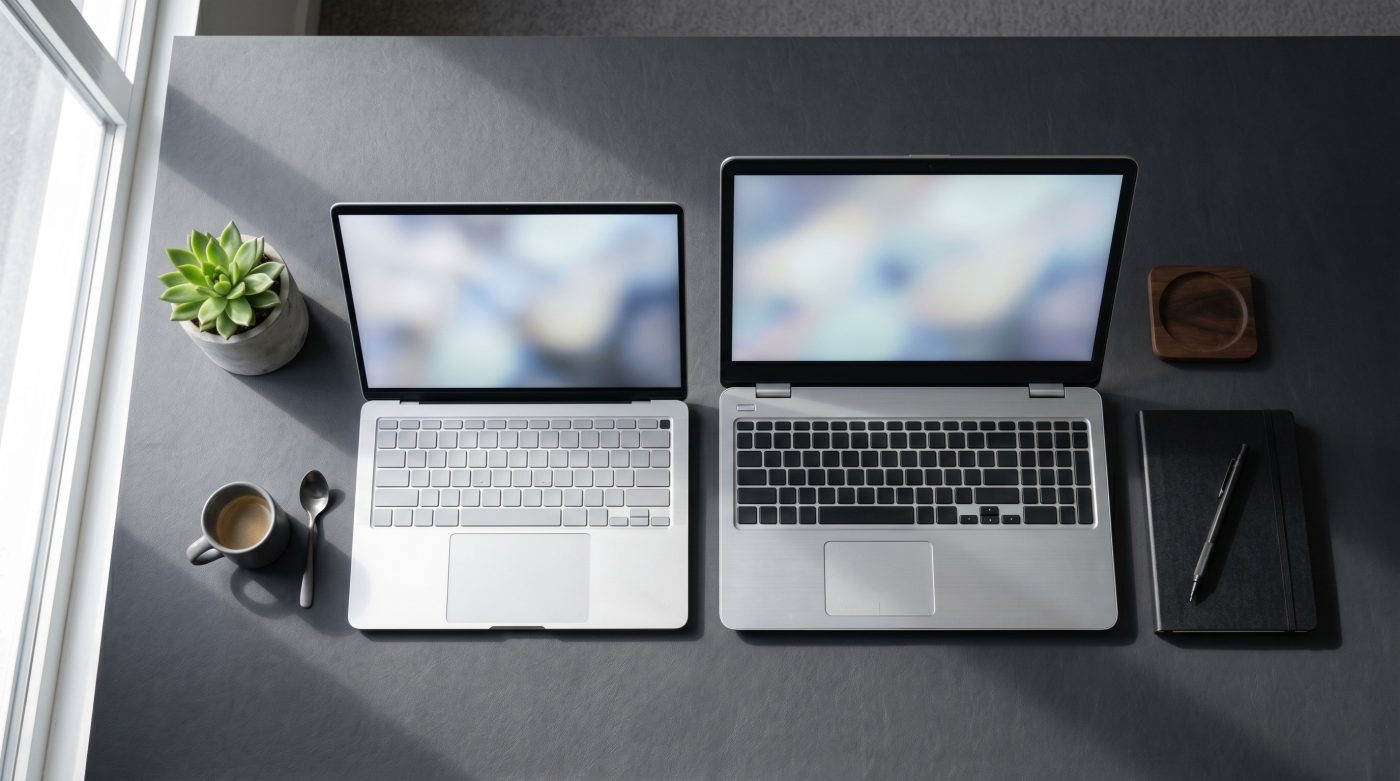
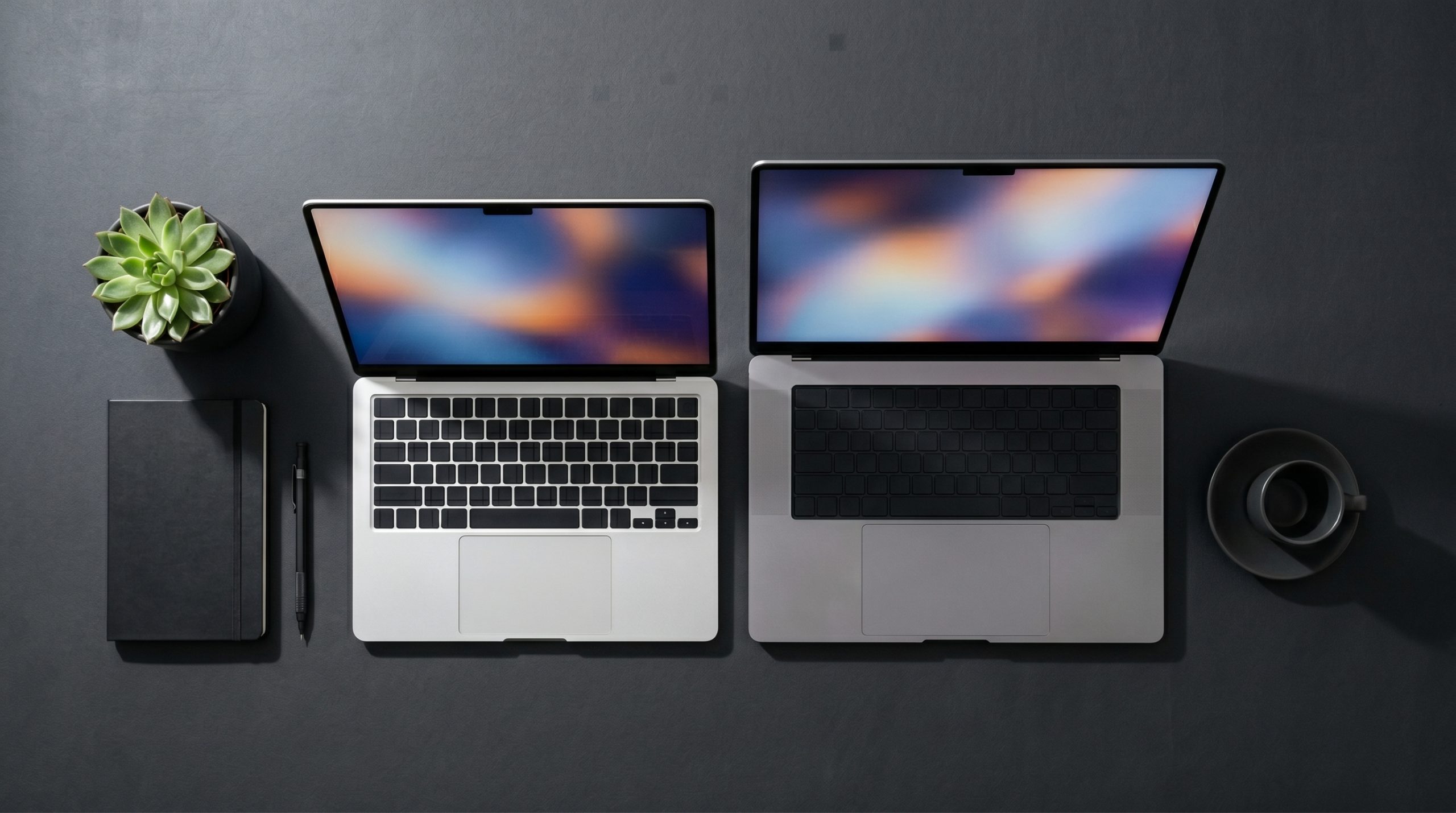
MacBook vs Dell XPS 15 2026 — I compared both laptops for a month of real office work. Here’s the honest verdict on performance, battery life, display, and which one is worth your money.
Quick Verdict: The MacBook (Air or Pro M-series) and Dell XPS 15 are the two most recommended premium laptops for office and creative work in the US market — but they serve different users. MacBook wins on battery life, build quality, and seamless Apple ecosystem integration. Dell XPS 15 wins on display quality, Windows flexibility, and upgradeability. For most office workers who prioritize all-day battery and simplicity, MacBook is the smarter buy. For power users who need Windows, a larger display, or more port flexibility, the XPS 15 delivers.
Why This Comparison Matters in 2026
The premium laptop market has never been more competitive — and more confusing. Apple’s M-series chips rewrote the performance-per-watt benchmark, forcing every Windows manufacturer to respond. Dell’s XPS 15 has been the gold standard Windows laptop for creative professionals for years, and its 2025/2026 refresh addresses many of the criticisms that previously held it back.
Both laptops sit in the $1,300–$2,500 range depending on configuration. Both target the same buyer: a professional who needs a machine that handles demanding workloads, looks premium, and lasts all day. I used both as my primary work laptop for two weeks each — real tasks, real workflows, real verdict.
Quick Spec Comparison
| Feature | MacBook Pro 14″ M4 | Dell XPS 15 (2025) |
|---|---|---|
| Starting price | ~$1,599 | ~$1,299 |
| Processor | Apple M4 | Intel Core Ultra 7 / RTX 4060 |
| RAM (base) | 16GB unified | 16GB DDR5 |
| Storage (base) | 512GB SSD | 512GB SSD |
| Display | 14.2″ Liquid Retina XDR | 15.6″ OLED (optional) |
| Display resolution | 3024×1964 | 3456×2160 (OLED) |
| Battery life (real-world) | 14–18 hours | 6–9 hours |
| Weight | 3.5 lbs | 4.2 lbs |
| Ports | 3x Thunderbolt 4, HDMI, SD | 2x Thunderbolt 4, USB-A, SD |
| OS | macOS | Windows 11 |
| GPU | Apple M4 (integrated) | NVIDIA RTX 4060 (discrete) |
Note: Specs vary by configuration. Verify current pricing and specs at apple.com and dell.com before purchasing.
Category-by-Category Breakdown
Performance for Office Work
For everyday office tasks — documents, spreadsheets, video calls, browser tabs, email — both laptops are overkill. Neither will struggle with standard productivity workloads.
Where the difference emerges: sustained performance under load. Apple’s M4 chip maintains peak performance consistently without thermal throttling — the fanless MacBook Air and the fan-equipped MacBook Pro both handle sustained workloads without the performance drops that plague many Windows laptops under sustained CPU pressure.
The Dell XPS 15 with Intel Core Ultra 7 is powerful, but Windows thermal management under sustained load still trails Apple Silicon in real-world consistency. For video editing, large spreadsheet processing, or running multiple demanding apps simultaneously, the MacBook Pro M4 has a meaningful edge.
Winner: MacBook Pro M4 for sustained workloads; Draw for standard office tasks.
Battery Life
This is MacBook’s most decisive advantage and the single biggest reason most office workers should choose it. In real-world mixed use — writing, video calls, browser research, occasional video playback — the MacBook Pro 14″ M4 consistently delivered 14–16 hours. The MacBook Air M4 hit 12–15 hours.
The Dell XPS 15, despite a large battery, delivered 6–8 hours under comparable mixed use. The discrete NVIDIA GPU and Intel processor draw significantly more power than Apple Silicon, and Dell’s power management hasn’t closed that gap.
For anyone working away from a desk — in meetings, coffee shops, on planes — the MacBook’s battery advantage is transformative. The XPS 15 essentially requires carrying a charger.
Winner: MacBook — decisively
Display Quality
This is the Dell XPS 15’s strongest argument, especially in OLED configuration. The 15.6″ OLED display at 3456×2160 resolution delivers perfect blacks, vivid colors, and exceptional contrast that no current MacBook can match. For photographers, video editors, and anyone who works with color-critical content, the XPS 15 OLED display is genuinely stunning.
MacBook’s Liquid Retina XDR display is excellent — bright, accurate, color-calibrated — but it uses mini-LED technology, not OLED, and the 14″ size feels small next to the XPS 15’s 15.6″ panel.
Screen size matters for office productivity. More screen real estate means fewer window switches, more comfortable side-by-side document work, and less eye strain during long sessions.
Winner: Dell XPS 15 (especially in OLED configuration)
Build Quality & Design
Both laptops are premium builds — machined aluminum, tight tolerances, no flex in the chassis. MacBook’s build quality is arguably the best in the consumer laptop market: consistent, refined, and aged well over time.
Dell’s XPS 15 has improved significantly in its recent refresh. The keyboard and trackpad — historically weak points — are now genuinely competitive. The chassis is thinner and lighter than previous generations.
The MacBook’s trackpad remains the best in the industry by a significant margin. No Windows trackpad — including Dell’s — matches the precision, palm rejection, and gesture responsiveness of Apple’s Force Touch trackpad.
Winner: MacBook on overall build; Draw on chassis quality.
Port Selection & Flexibility
Dell XPS 15 wins on port variety — USB-A inclusion alone saves most office workers from buying a dongle. The XPS 15 offers Thunderbolt 4, USB-A, SD card, and headphone jack in the base configuration.
MacBook Pro 14″ M4 has improved significantly — three Thunderbolt 4 ports, HDMI, SD card, and MagSafe — but still lacks USB-A. MacBook Air remains more limited. For users with legacy peripherals or complex desk setups, the XPS 15 is easier to live with out of the box.
Winner: Dell XPS 15
Software & Ecosystem
MacBook’s ecosystem advantage is real and compounding. If you use an iPhone, iPad, or Apple Watch, the integration — AirDrop, Handoff, Universal Clipboard, iPhone Mirroring — creates genuine daily workflow benefits that Windows cannot replicate.
For Windows-dependent workflows — specific enterprise software, gaming, certain creative tools — the XPS 15 is simply the only option. macOS remains incompatible with a meaningful portion of professional software.
Winner: MacBook for Apple ecosystem users; Dell XPS 15 for Windows-dependent workflows.
Head-to-Head Comparison Table
| Category | MacBook Pro M4 | Dell XPS 15 | Winner |
|---|---|---|---|
| Performance (sustained) | Excellent | Good | MacBook |
| Battery life | 14–16 hrs | 6–8 hrs | MacBook |
| Display quality | Excellent | Outstanding (OLED) | Dell XPS 15 |
| Build quality | Best in class | Excellent | MacBook |
| Port selection | Good | Better | Dell XPS 15 |
| Trackpad | Best in class | Good | MacBook |
| Software ecosystem | Apple only | Windows flexibility | Depends |
| Starting price | $1,599 | $1,299 | Dell XPS 15 |
| Weight | 3.5 lbs | 4.2 lbs | MacBook |
Who Should Pick MacBook vs Dell XPS 15
Choose MacBook if you:
- Need all-day battery life without carrying a charger
- Already use iPhone, iPad, or other Apple devices
- Prioritize build quality and trackpad experience
- Work primarily in macOS-compatible apps
- Travel frequently or work away from a desk regularly
Choose Dell XPS 15 if you:
- Need Windows for work-specific software or enterprise environments
- Want the best display experience — especially OLED for color work
- Need USB-A ports and more flexible connectivity
- Prefer a larger screen for productivity
- Want a lower entry price with discrete GPU options
People Also Ask
Q: Is MacBook or Dell XPS 15 better for video editing?
A: Depends on your software. Final Cut Pro users: MacBook Pro M4 clearly. Premiere Pro or DaVinci Resolve users: both are capable, but the XPS 15’s discrete NVIDIA GPU gives it an edge in GPU-accelerated rendering.
Q: Can the Dell XPS 15 run macOS?
A: No — macOS is exclusive to Apple hardware. The XPS 15 runs Windows 11.
Q: Is the Dell XPS 15 worth it over a MacBook Air?
A: For display quality and Windows flexibility, yes. For battery life and everyday portability, the MacBook Air M4 wins comfortably.
Q: Which laptop lasts longer — MacBook or Dell XPS?
A: MacBooks typically have longer practical lifespans — Apple Silicon Macs from 2020 still run current macOS smoothly. Dell’s software support cycle is shorter and Windows updates can affect older hardware performance.
Q: Is MacBook Pro M4 worth the price premium over MacBook Air M4?
A: For most office workers, no. The Air handles standard productivity workloads, has excellent battery life, and costs $400 less. The Pro earns its price for sustained heavy workloads and ProMotion display.
Final Verdict
MacBook Pro M4: 9.0/10 — The best all-around laptop for most office workers in 2026. Battery life, build quality, and Apple Silicon performance make it the default recommendation for anyone not locked into Windows.
Dell XPS 15: 8.4/10 — The best Windows laptop for office and creative work. Outstanding OLED display, solid build, and Windows flexibility make it the right choice for users who need or prefer the Windows ecosystem.
The decision is simpler than most reviews make it: if you can work on macOS, buy the MacBook. If you need Windows, buy the XPS 15.
💬 Team MacBook or Team Dell XPS? Drop your profession and your pick below — let’s see which side dominates.