RayCue review: This article explores the design, performance, and real-world usability of RayCue docking stations for Mac users.
The Modern Workspace: From Minimalism to Connectivity
In this RayCue review, we explore how the brand fits into the modern minimalist workspace trend and whether its Mac-focused docking solutions deliver real performance.
As Apple continues to embrace a “minimalist port” philosophy, the demand for high-quality, design-matched docking solutions has grown rapidly. RayCue has positioned itself at this intersection, specializing in accessories that not only connect devices but also complement them.
Founded in 2014, RayCue has evolved from a general consumer electronics brand into a niche specialist for Mac users. The company now focuses heavily on creating products that match Apple’s design language.
In this RayCue review, we examine whether their focus on “Mac-matched aesthetics” is backed by reliable engineering or simply style over substance.
Overall, this RayCue review evaluates whether the brand truly delivers performance beyond its Apple-inspired design.
First Impressions: The Visual Mirror
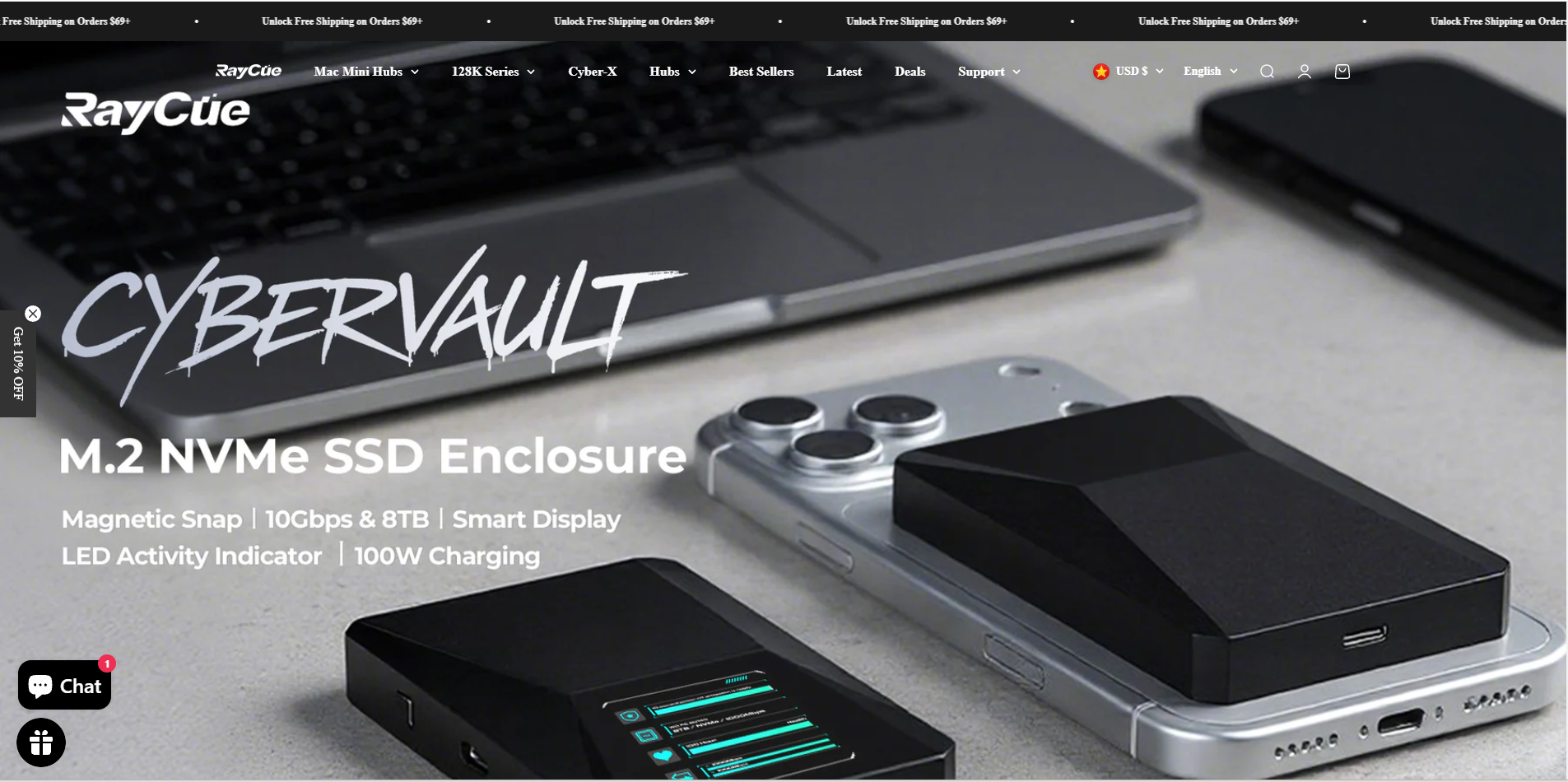
In this RayCue review, first impressions play a major role due to the brand’s strong focus on Apple-like aesthetics. When you land on RayCue.com, the intent is clear: they are selling the “Apple Aesthetic.” Their flagship products—such as the Hub & Stand enclosures for the Mac Mini and Mac Studio—are crafted to be seamless extensions of the hardware. The website design is sleek, utilizing high-definition imagery to demonstrate how their aluminum-alloy finishes match the anodized textures of Apple’s silicon devices.
For the professional creative or developer, this is an immediate psychological win. The primary point of friction for many Mac users is the “clutter” created by third-party docks that look like plastic afterthoughts. RayCue’s website successfully communicates that their products are designed to disappear into your setup, turning a potentially chaotic desk into a unified station.
The Engineering Focus: More Than Just a Pretty Finish
From this RayCue review, the engineering side is just as important as the design.
It is important to look past the aluminum casing to evaluate the internal capabilities. RayCue has moved beyond simple “USB-C expansion” into the territory of high-speed data and storage management.
-
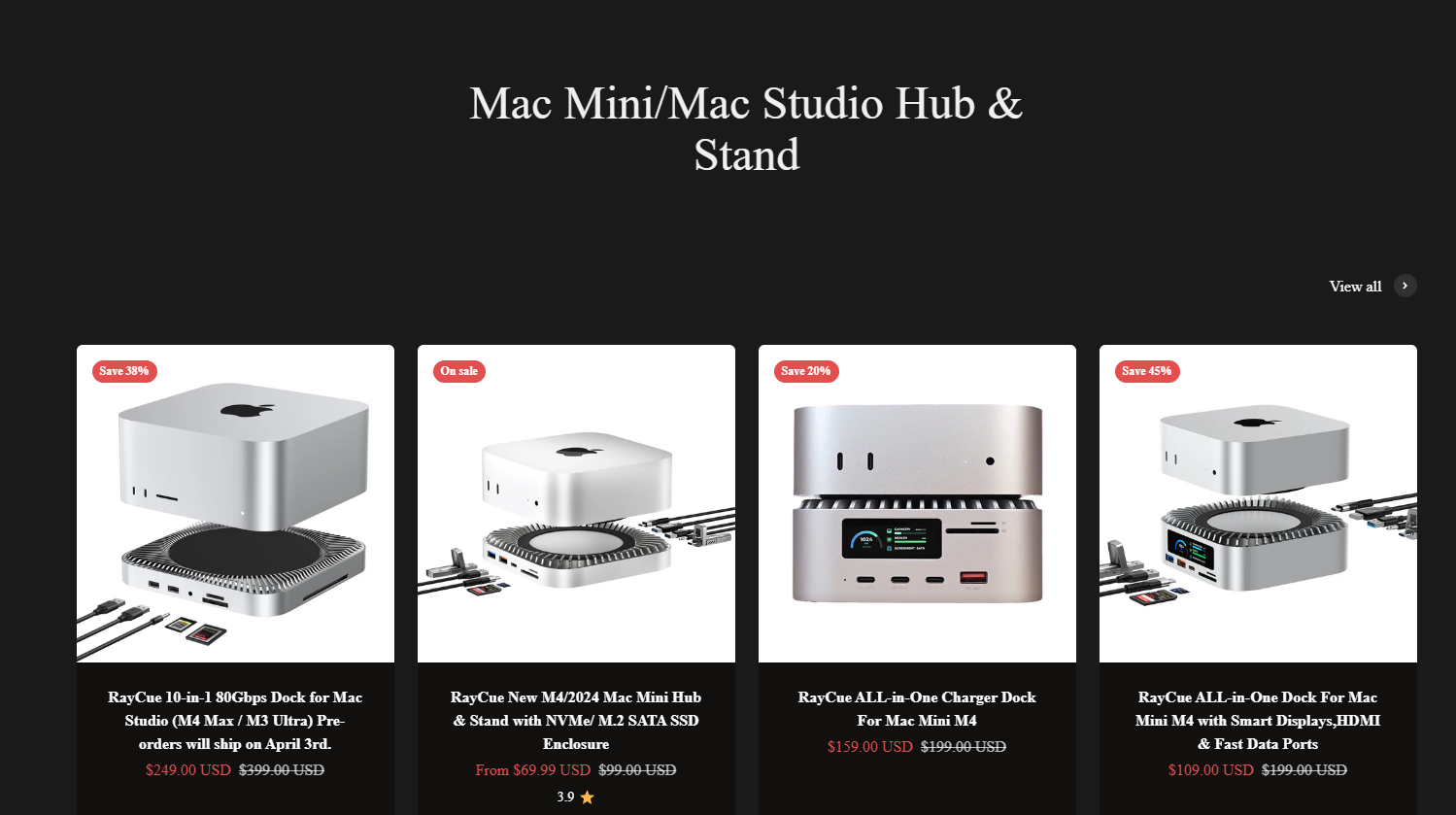
Integrated SSD Enclosures: This is perhaps their strongest selling point. By integrating an M.2 NVMe SSD slot directly into their Mac Mini/Studio docks, RayCue solves two problems at once: port expansion and localized storage expansion. In our analysis, the thermal management of these enclosures is critical; RayCue utilizes aluminum chassis as heat sinks, which is essential given the high heat output of modern NVMe drives. This RayCue review highlights SSD integration as one of the brand’s strongest advantages.
-
The Interface Ecosystem: Their 2026 lineup, particularly the 80Gbps docks designed for the Mac Studio and the M4 Mac Mini, shows a brand that is keeping pace with Thunderbolt/USB4 standards. The inclusion of real-time status panels—featuring small screens that display hub power consumption and port speed—is a “prosumer” feature that elevates the product from a simple hub to a diagnostic tool.
The “Direct-to-Consumer” Reality: Shipping and Support
In this RayCue review, shipping and support are important factors to consider.
As with any specialized consumer electronics brand, the user experience extends far beyond the hardware. In the 2026 market, RayCue operates as a direct-to-consumer brand, which offers both advantages and challenges.
-
The Advantage: Because they are the manufacturer, they can iterate designs rapidly. When Apple updates the Mac Mini port layout, RayCue is often among the first to offer a chassis that fits the new dimensions.
-
The Reality: As a global shipper, shipping times can vary. User feedback suggests that while their hardware is consistently praised for design, the post-purchase support requires patience. As with many tech-forward brands, the support team is helpful, but the logistics of international shipping can sometimes result in “order processing” windows that may feel long to the “instant-gratification” shopper accustomed to local retail.
Practical Tips for the RayCue Shopper
Based on this RayCue review, there are several practical considerations before buying.
If you are considering a RayCue dock for your workstation, keep these three factors in mind:
-
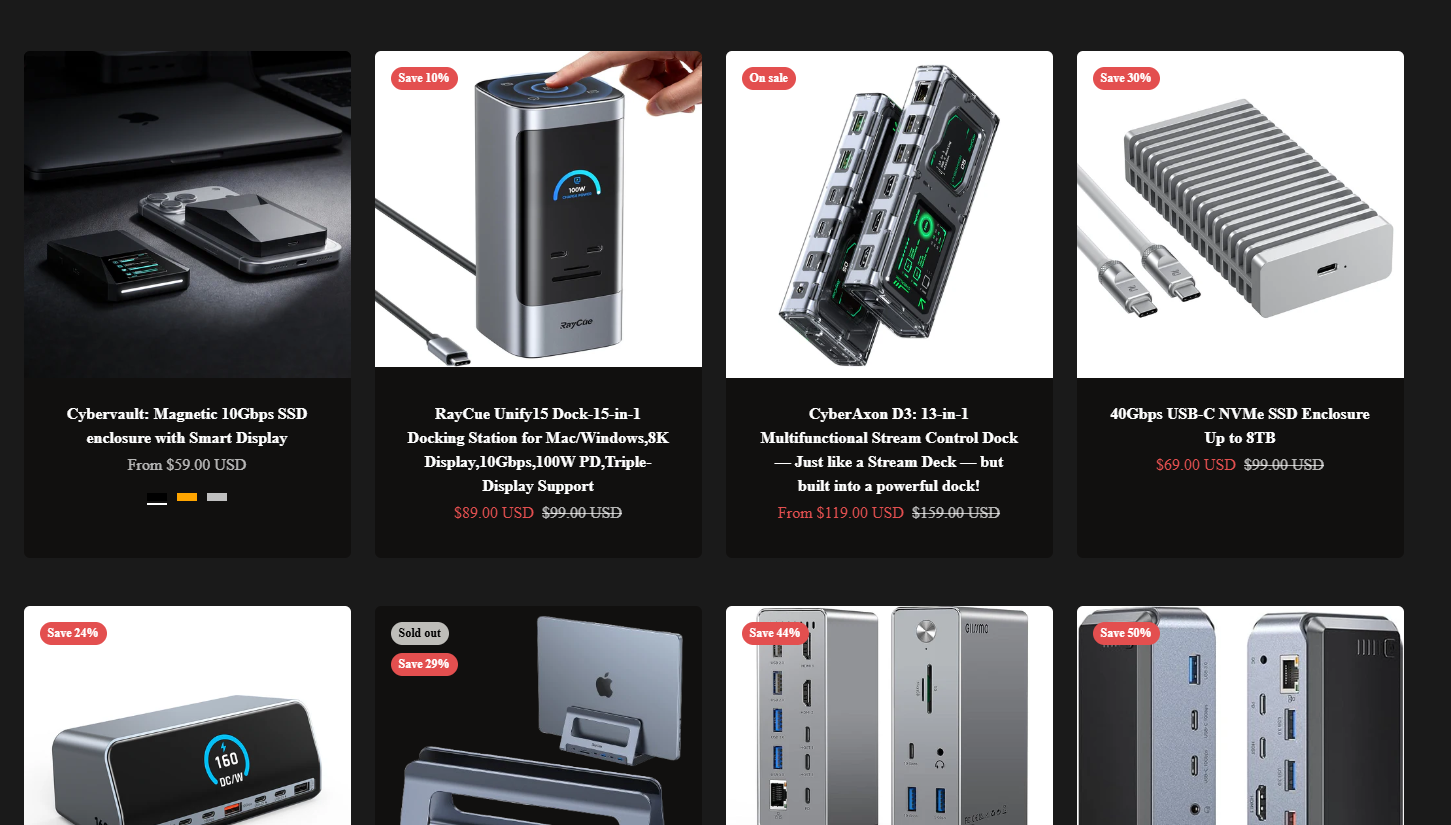
Check Your Protocol: Ensure your specific dock supports the data speeds you need. Their website clearly differentiates between 10Gbps, 40Gbps, and 80Gbps models. Don’t pay for the 80Gbps “Studio” dock if your setup only requires basic USB-A and HDMI expansion.
-
SSD Compatibility: If you are buying an integrated SSD enclosure model, ensure your NVMe drive is rated for the thermal performance of an enclosure. High-speed drives run hot, and while the aluminum helps, a drive with its own heatsink may be a tight fit.
-
Cable Management: RayCue docks are designed to be part of the base of your computer. Ensure your desk setup allows for the necessary cable slack to reach the rear ports of your Mac, as the dock acts as a bridge.
The Verdict: A Specialized Choice for the Mac Enthusiast
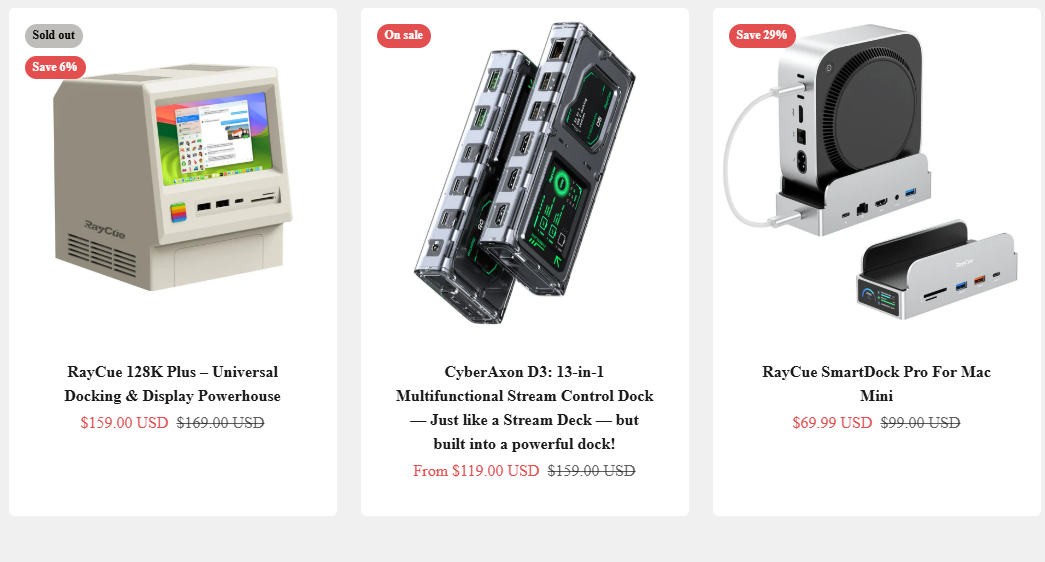
Overall, this RayCue review shows that the brand is a strong choice for Mac users who value both performance and aesthetics. RayCue.com has successfully carved out a space in a market dominated by giants. They aren’t trying to sell you every gadget on earth; they are focusing on one specific, highly valuable niche: the Mac workstation. By aligning their hardware design with Apple’s industrial aesthetic, they provide a premium look that is often missing from utility-focused hubs.
If you are a professional who values a clean desk and needs to consolidate your storage and port management, RayCue offers a high-performance solution that looks like it came from the factory. While support and shipping are typical of the direct-to-consumer model, the hardware itself is proving to be a reliable and sleek companion for the modern Mac setup.
In conclusion, this RayCue review helps determine whether the product is worth your investment.
🌟 Final Ratings 🌟
-
Aesthetic Match & Build Quality: ⭐⭐⭐⭐⭐ (5/5)
-
Storage/SSD Integration: ⭐⭐⭐⭐⭐ (5/5)
-
Functional Performance (Speed/Protocols): ⭐⭐⭐⭐ (4/5)
-
Ease of Installation: ⭐⭐⭐⭐⭐ (5/5)
-
Logistics & Shipping Reliability: ⭐⭐⭐ (3/5)
-
Customer Support Efficiency: ⭐⭐⭐ (3/5)
Overall Score: 4.2 / 5.0