voice typing mac: The Ultimate Privacy-Focused Dictation App Review
For anyone seeking an efficient voice typing mac solution, the inherent speed difference between speaking and typing often creates a bottleneck. While the average person speaks at 150–250 words per minute, typing typically lags far behind at 40–60 words per minute. This significant disparity can stifle productivity, disrupt creative flow, and even contribute to physical strain like carpal tunnel syndrome for developers and writers alike.
Fortunately, advancements in AI have made voice typing reliable enough for many tasks, boasting accuracy rates exceeding 95%. This surge in capability has led to an explosion in the dictation app market, with numerous contenders promising to transform speech into polished text.
The Landscape of Voice to Text Software

Many available voice to text software solutions are cloud-based and operate on a subscription model. These often require users to entrust their spoken words to external servers, raising potential privacy concerns. Moreover, the recurring costs, typically ranging from $84 to $144 annually, can add up significantly over time.
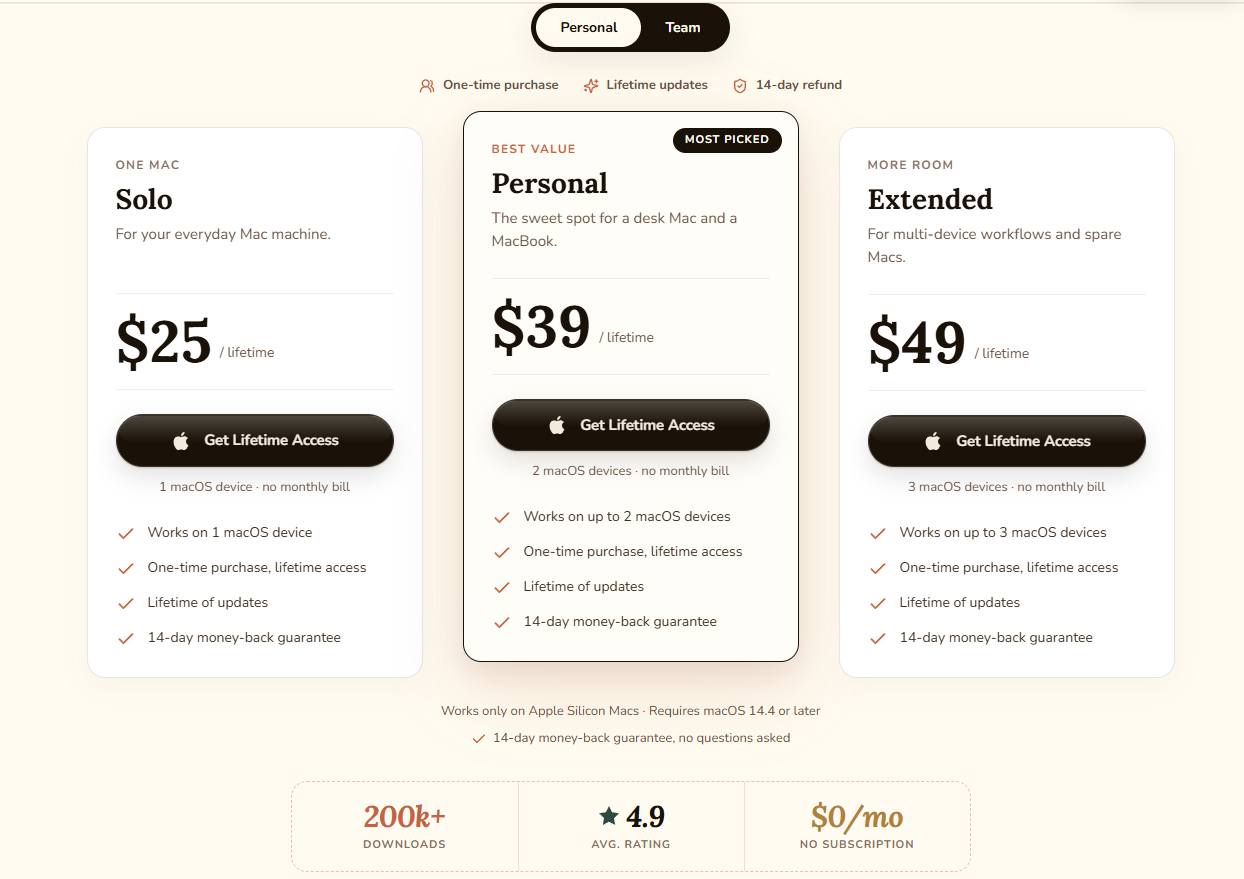
This is where VoiceInk offers a compelling alternative. This innovative application stands out with a one-time purchase price of $39.99. Crucially, VoiceInk runs entirely on your Mac, ensuring that nothing you say ever leaves your device.
VoiceInk: A Privacy Focused Dictation Solution
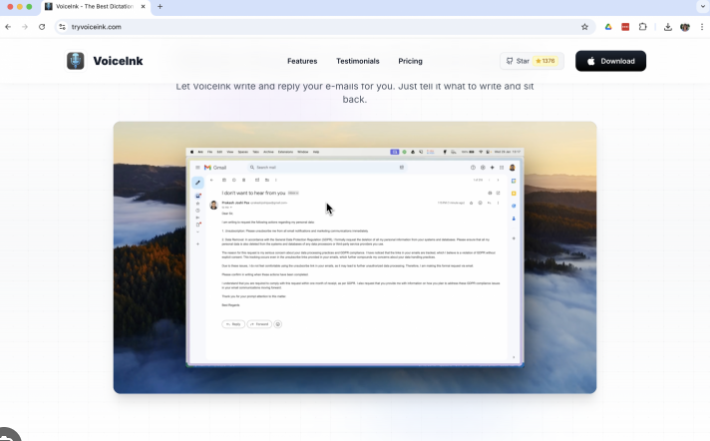
VoiceInk was designed with privacy focused dictation at its core. Launched in early 2025 and open-sourced on GitHub in February 2025 under the GPL v3 license, its commitment to transparency is evident. The project has garnered substantial community interest, accumulating over 4,300 stars and 570 forks.
Written in Swift, the app receives regular updates, with version 1.72 shipping in March 2026. This level of community engagement and consistent development highlights VoiceInk’s genuine utility, demonstrating that it’s a product valued by developers and productivity enthusiasts.
Understanding VoiceInk: More Than Just a Dictation App Review
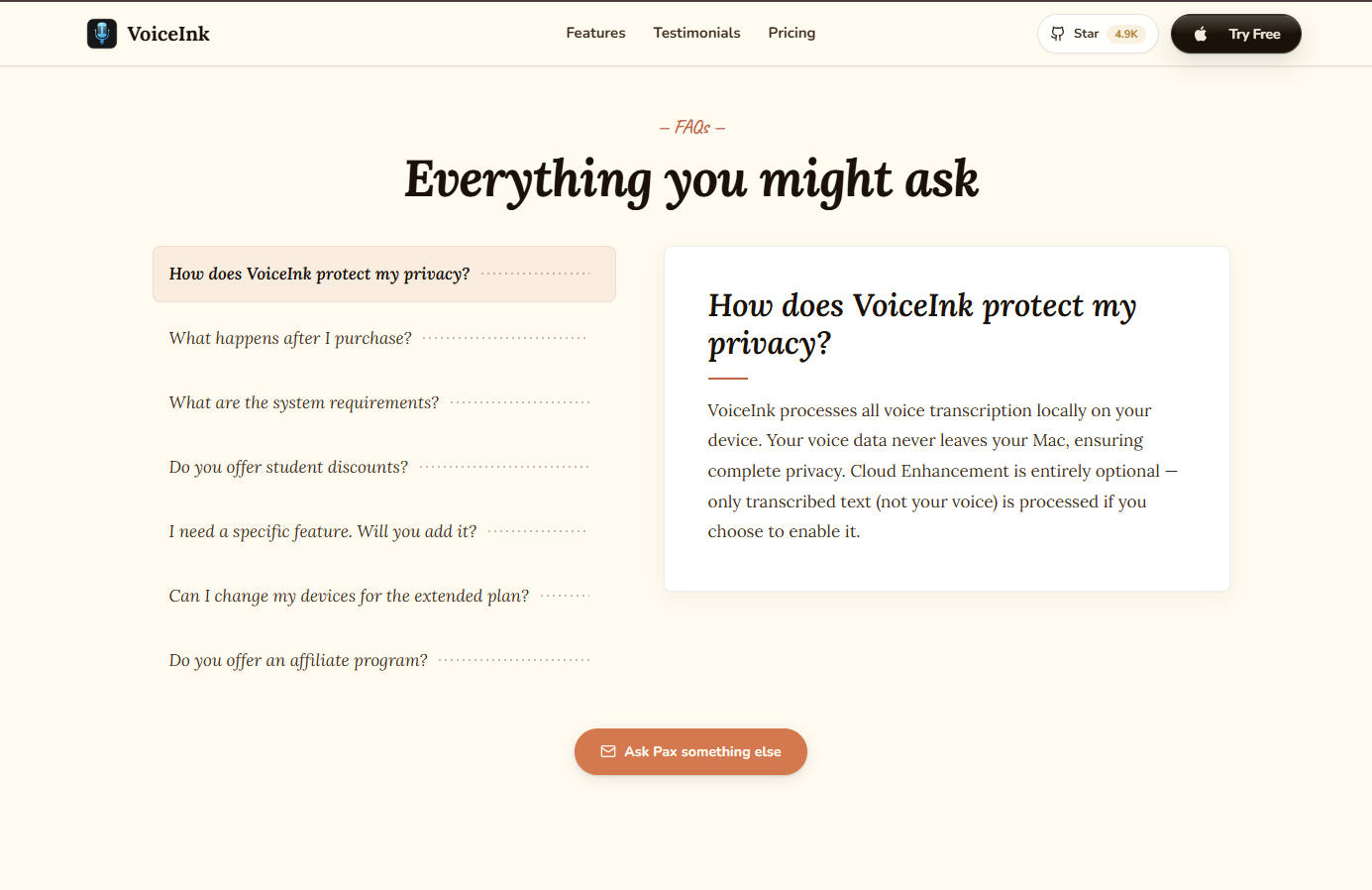
VoiceInk is a robust voice to text software for Mac that facilitates instant, private writing through voice. It leverages local AI models, meaning all processing occurs offline, safeguarding your data. Users can dictate emails, interact with AI apps, or take notes seamlessly across any application.
Key features include:
- Support for custom words
- Contextual understanding based on your screen
- Push-to-Talk functionality
- Power Mode for app-specific settings
- One-click switching for writing styles
VoiceInk operates on OpenAI’s Whisper model, a state-of-the-art speech recognition technology. By running Whisper locally on your Mac, VoiceInk achieves recognition quality comparable to cloud-based tools, but with all audio processing confined to your device’s memory. This makes it an ideal voice typing mac tool for sensitive information.
System-Wide Integration for Seamless Voice Typing Mac Experience
A critical advantage of VoiceInk is its system-wide integration. Unlike some tools that are limited to specific applications or require a dedicated dictation window, VoiceInk functions wherever your cursor is active. Whether you’re in Gmail, VS Code, or Slack, the app seamlessly inserts dictated text.
The app remains invisible until needed, providing ubiquitous functionality. It supports over 100 languages through various Whisper models and includes Power Mode for tailored, app-specific configurations.
Features That Enhance Daily Productivity
Push-to-Talk: The Core of Efficient Dictation
The Push-to-Talk feature streamlines the dictation process. Users simply hold a customizable hotkey, speak, release, and the transcribed text appears instantly at the cursor’s position. This eliminates the need for clicking, app switching, or window manipulation.
Independent reviewer Kuan-Hao Huang reported that VoiceInk doubled his productivity, saving approximately 4.5 hours of typing over two months. This significant efficiency gain translates to nearly three full workdays of recovered productivity, highlighting the profound impact of eliminating typing friction.
Power Mode: Intelligent Contextual Dictation
Power Mode elevates VoiceInk beyond basic dictation, transforming it into an intelligent writing assistant. This feature automatically adjusts settings based on the active application or URL. For instance, a Power Mode profile for Gmail can apply formal, punctuated sentence structures, while a Slack profile adopts a more conversational tone.
This automatic, per-app configuration is genuinely useful, saving users from manually switching presets. The ability to have optimized dictation settings for email, code editors, and browsers removes cognitive overhead, ensuring consistent and appropriate output. This makes VoiceInk an incredibly versatile voice typing mac solution.
Personal Dictionary: Tailored Accuracy
While Whisper excels at common vocabulary, it can struggle with proper nouns, technical terminology, or industry-specific jargon. VoiceInk addresses this with a personal dictionary feature, allowing users to train the AI with custom words, phrases, and replacements.
This ensures higher accuracy for specialized vocabularies, whether for a marketing professional’s brand names, a doctor’s medical terms, or a programmer’s function names. This customization is vital for truly effective open source dictation and personal productivity.
Conclusion: VoiceInk App — A Game Changer
The VoiceInk app represents a significant leap forward in voice typing mac technology. By combining a powerful, local AI engine (OpenAI Whisper) with a privacy-first, open-source approach, it offers an unparalleled user experience. Its one-time purchase model, system-wide integration, and intelligent features like Power Mode and a personal dictionary make it an indispensable tool for anyone looking to boost productivity and reduce typing fatigue on their Mac. If you’re seeking a reliable, private, and efficient voice to text software, VoiceInk is a highly recommended solution.