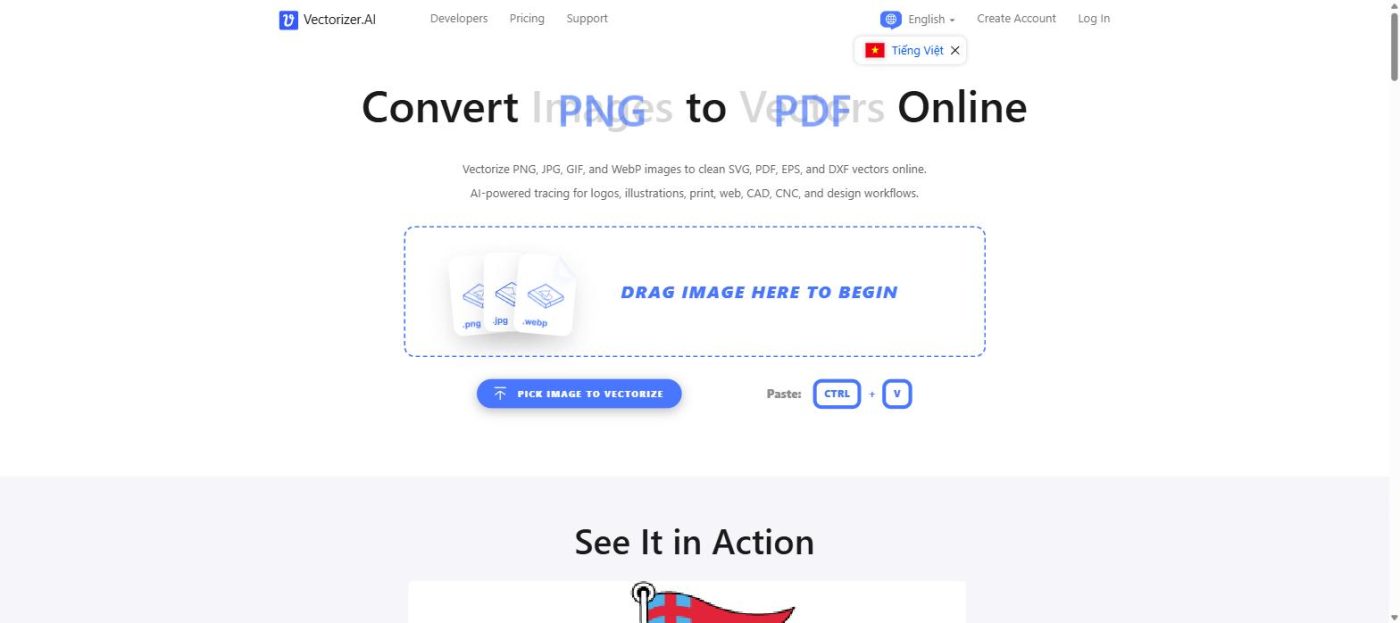
This Vectorizer.AI Review breaks down how Vectorizer.AI converts PNG, JPG, and WebP images into clean SVG, EPS, DXF, and PDF vector files using AI, with an honest look at its features, output quality, and pricing so you know if it’s worth subscribing to in 2026.
Converting a raster logo or sketch into a clean, scalable vector file used to mean hours of manual tracing in Illustrator or CorelDRAW, or paying a freelancer to do it for you. Vectorizer.AI promises to cut that down to seconds using an AI-driven vector engine, turning PNG, JPG, GIF, BMP, and WebP images into SVG, EPS, DXF, and PDF files with minimal manual cleanup.
This review breaks down how Vectorizer.AI’s vectorization engine works, what its free interactive preview reveals about output quality, how it stacks up against other raster-to-vector tools, and whether the subscription price is worth it for designers, print shops, and CNC or laser-cutting hobbyists.
Quick Verdict
- Rating: 4.5/5
- Best for: Designers, print shops, and CNC/laser-cutting users who need clean vector files from logos, illustrations, or scanned artwork
- Should you use it? Yes — the free interactive preview lets you check output quality on your own image before paying anything
- Try it for free: Upload a test image and inspect the free preview before committing to a subscription
What Is Vectorizer.AI & Who Should Use It?
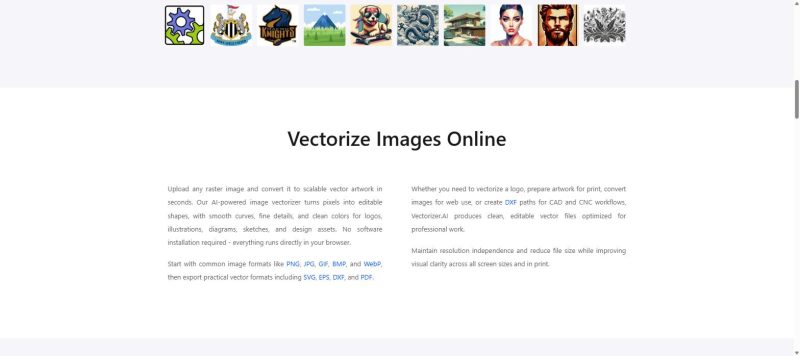
As this Vectorizer.AI Review explains, Vectorizer.AI is a browser-based tool built by Cedar Lake Ventures that uses proprietary deep-learning models to trace raster images into true vector shapes, rather than simply embedding a bitmap inside a vector file. It accepts PNG, JPG, GIF, BMP, and WebP as input, and exports to SVG, EPS, DXF, PDF, or a cleaned-up PNG.
Who should use it:
- Designers who need to turn a scanned logo, sketch, or low-resolution image into an editable, scalable vector
- Print shops and merch sellers preparing artwork for screen printing or vinyl cutting
- CNC and laser-cutting hobbyists who need clean DXF paths from reference images
- Developers who want to add automated vectorization to their own apps via the API
Who should think twice:
- Anyone who only needs to vectorize a single image once, since a recurring subscription may cost more than a pay-per-image alternative
- Users working mainly with complex photographs rather than logos, line art, or illustrations, where full photorealistic vectorization has inherent limits
- Teams that need built-in design or editing tools, since Vectorizer.AI focuses purely on the tracing step, not general vector editing
Real Experience & Test Results
First Impressions
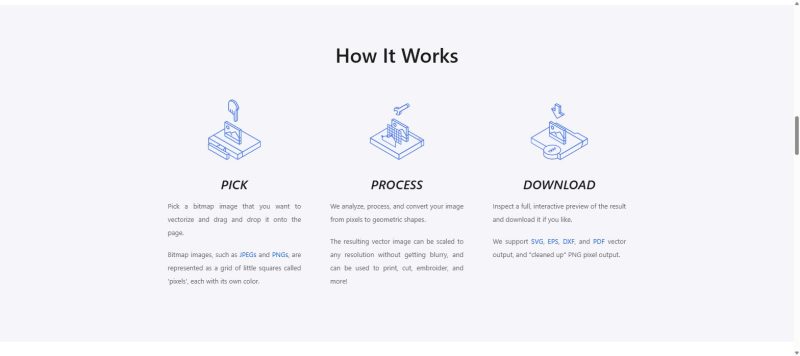
This section of the Vectorizer.AI Review looks at how the tool performs in practice. Vectorizer.AI’s interface is deliberately minimal: drag an image onto the page and the AI-powered engine processes it automatically, with no manual tracing tools or plug-ins required. Every conversion opens in an interactive full preview, so before spending a credit or subscribing, you can inspect exactly how the shapes, curves, and colors were reconstructed on your own image.
Key Features & What They Mean in Practice
1. Deep Vector Engine: Vectorizer.AI’s deep learning networks were trained from scratch on the company’s own proprietary dataset, which the company says allows it to tease out details that older, heuristic-based tracing algorithms tend to miss.
2. Full Shape Fitting: Rather than approximating every curve as a Bezier path, the engine can fit whole geometric shapes such as circles, ellipses, rounded rectangles, and stars, which tends to produce cleaner, more consistent results on logos and icons.
3. Sub-Pixel Precision & Adaptive Simplification: The engine places boundaries using anti-aliasing data to capture fine details smaller than a single pixel, while automatically simplifying faint or indistinct edges so the output file doesn’t become unnecessarily complex.
Vs. Marketing Claims
Vectorizer.AI markets itself as more accurate than “the same old algorithms that have been around for decades” used by many free online converters, largely because of its in-house-trained deep learning models rather than generic edge-detection tracing. That claim holds up reasonably well for logos, line art, and AI-generated images, which the company specifically highlights as strong use cases. Where expectations should stay realistic is with dense, photographic images, where any vectorizer, AI-based or not, will produce a heavier, more complex result than a hand-optimized logo trace.
Pros & Cons
Pros
- True AI-based vectorization rather than simple bitmap embedding, trained on a proprietary in-house dataset
- Free, no-signup interactive preview shows real output on your own image before you pay
- Wide format support: SVG, EPS, DXF, PDF, and cleaned-up PNG
- Handles a full range of shapes and curves, including circles, rounded rectangles, and stars, instead of approximating everything as basic Bezier paths
- API access available for teams that need automated, code-driven vectorization
Cons
- No true one-off, pay-per-image option for casual users; Web App access is a recurring monthly subscription
- Results on complex photographs are inherently more limited than on logos or line art
- Using the output to train machine learning models is explicitly prohibited by the terms of service
- A 3-megapixel and 30MB input limit could be restrictive for very high-resolution source files
How Vectorizer.AI Compares to Other Vectorization Tools
| Tool |
Access |
Standout Feature |
Key Differentiator |
| Vectorizer.AI |
Browser-based, no install, free preview |
In-house deep-learning vector engine |
Full geometric shape fitting beyond basic Bezier tracing |
| Adobe Illustrator (Image Trace) |
Bundled inside an Illustrator subscription |
Deep integration with vector editing tools |
Best if you already work inside the Adobe ecosystem and want to trace, then edit, in one app |
| Vector Magic |
Desktop app or web, pay-per-image or subscription |
Long-established heuristic tracing engine |
A solid all-rounder, though many users report Vectorizer.AI’s AI model handles fine detail more cleanly |
Why choose Vectorizer.AI over these two? If you want a fast, no-install way to test output quality for free before paying, Vectorizer.AI’s preview-first approach beats committing to an Illustrator subscription or a pay-per-image tool upfront. If you already pay for Illustrator and only vectorize occasionally, Image Trace may be good enough without adding another subscription.
Pricing & Value
A key part of any Vectorizer.AI Review is pricing. Vectorizer.AI’s Web App plan is unlimited: for roughly $9.99 per month, you can upload, preview, and download as many vectorized images as you like, with no per-image charge. Developers who need to vectorize images programmatically instead pay for API credits, starting around 50 credits per month, with unused credits rolling over up to five times your monthly allotment. You can compare current plans directly on the Vectorizer.AI pricing page.
Hidden costs to watch for:
- The Web App subscription bills monthly and renews automatically until you cancel; there is no one-time purchase option
- API pricing is credit-based, so heavy or unpredictable usage can push you into a higher tier faster than expected
- Low-cost preview images, meant for showing end customers before they buy in customer-facing apps, still consume a fraction of a credit each
Final Verdict
To conclude this Vectorizer.AI Review, Vectorizer.AI earns its reputation as one of the more capable AI-driven raster-to-vector converters available today, mainly because its in-house deep learning engine and full geometric shape fitting tend to produce cleaner curves and corners than older heuristic tracing tools. The free, no-commitment interactive preview is the standout feature, since it removes the guesswork of whether your specific image will vectorize well before you ever pay.
Use Vectorizer.AI if: you regularly need to convert logos, illustrations, or scanned line art into clean SVG, EPS, DXF, or PDF files and want to verify quality before subscribing.
Consider an alternative if: you only need to vectorize one image and don’t want a recurring subscription, or your source material is mostly complex photography rather than line art and logos.
Ready to see your own image vectorized? Try Vectorizer.AI’s free preview here.
FAQs
1. What image formats does Vectorizer.AI support? It accepts PNG, JPG, GIF, BMP, and WebP as input, and exports to SVG, EPS, DXF, PDF, or a cleaned-up PNG.
2. Is there a free trial? You can upload and preview results for free with no account required; a subscription is only needed to download full-resolution production files.
3. Does it work on photographs, not just logos? It can process photos, but the tool is optimized for logos, illustrations, sketches, and AI-generated art, where clean shape boundaries are easier to trace accurately.
4. Can I cancel anytime? Yes, subscriptions can be cancelled anytime from the account page, and access continues until the end of the current billing period.