Quick note on approach: this review is based on hands-on research of Joiin’s official website, feature pages, and public case studies. We have not personally run a multi-client accounting practice on Joiin for weeks, and we say that plainly rather than pretend otherwise.
Quick Verdict: Joiin Multi-Client for Accounting Firms
Best for: Accounting firms, bookkeeping practices, and advisors who need to manage reporting for several clients from one login.
Rating: 4.5/5
Should you use it? If you’re currently juggling separate logins or spreadsheets for each client’s Xero, QuickBooks, or Sage file, Joiin Multi-Client consolidates that into one subscription with unlimited users and reports. Firms with a single, simple client base may not need the extra structure.
Start Joiin’s 14-day free trial →
What Is Joiin’s Multi-Client Feature?
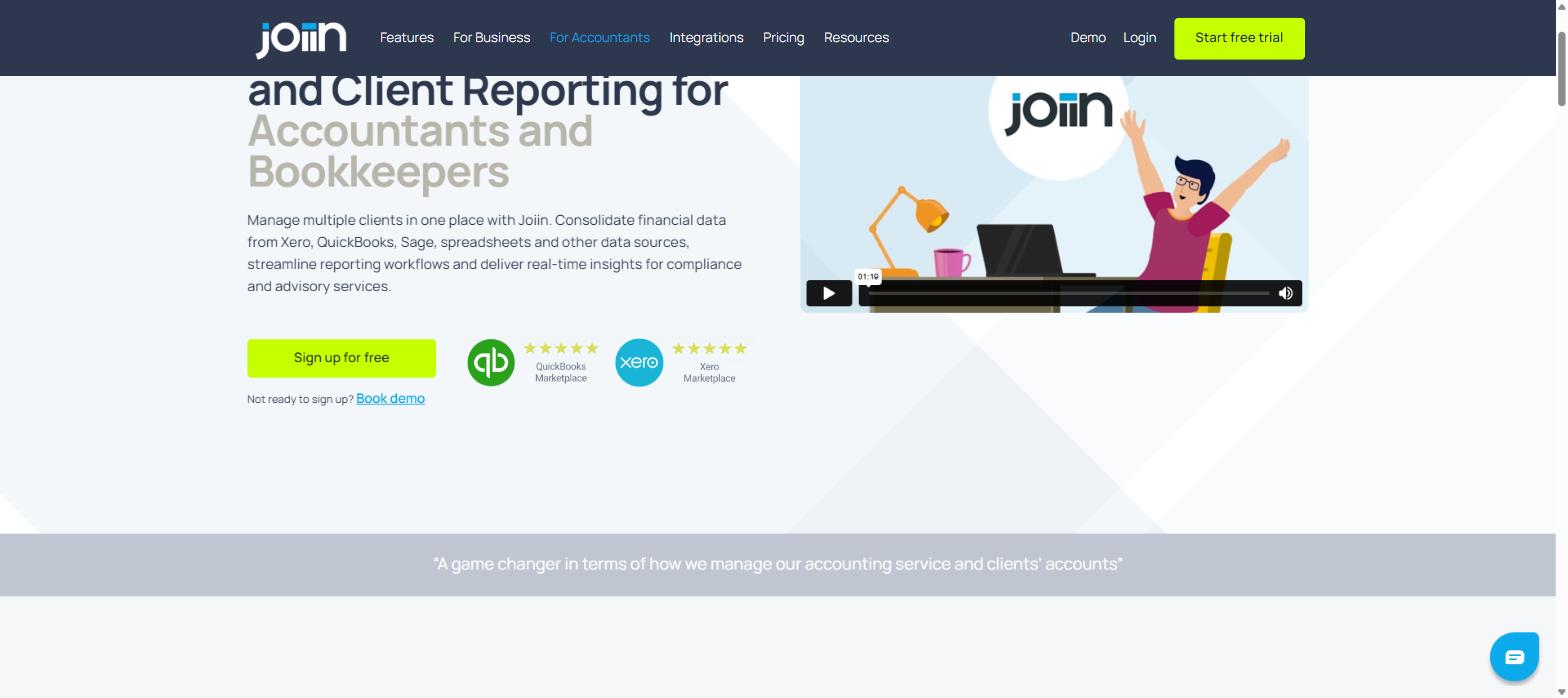
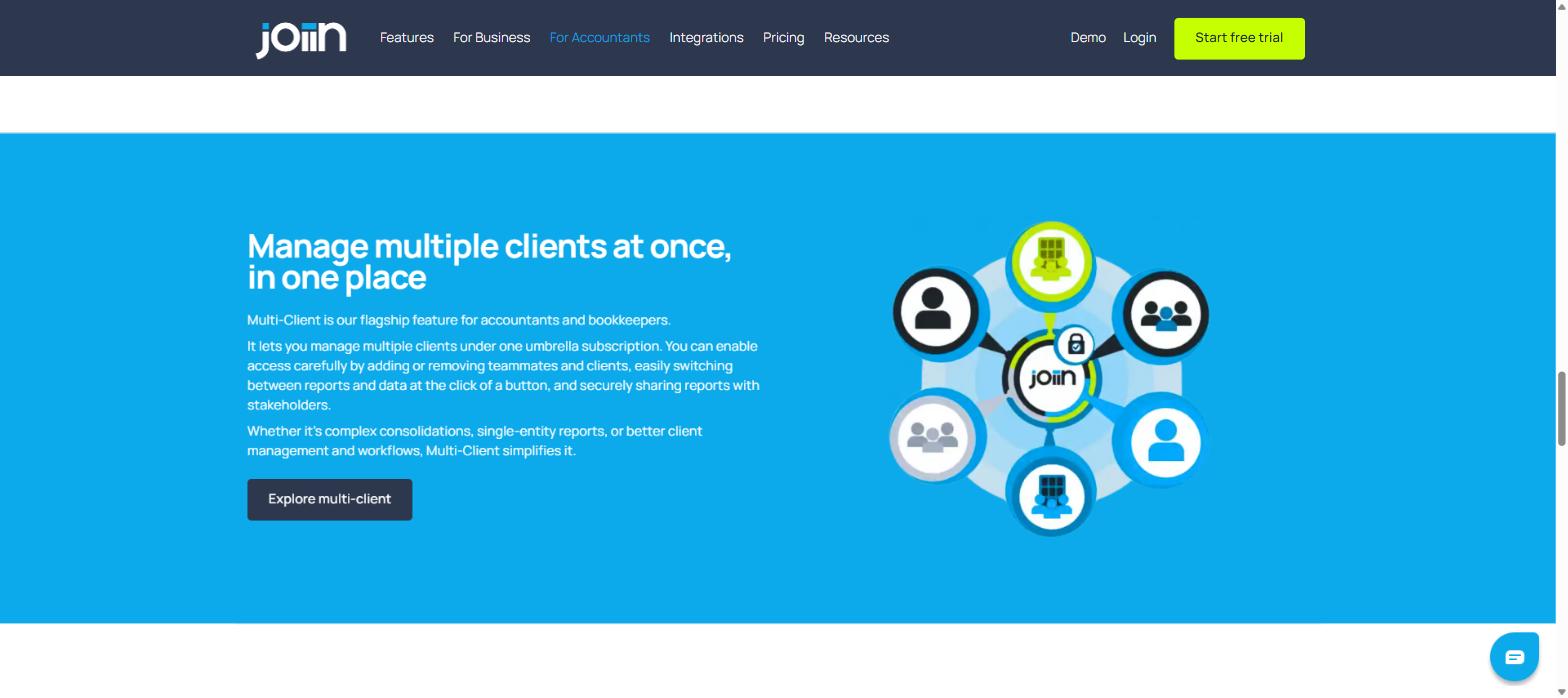
Joiin is a cloud-based financial reporting and consolidation platform, and Multi-Client is the part of it built specifically for accountants and bookkeepers. Instead of one login per client, Multi-Client lets a firm manage every client’s reporting under a single umbrella subscription, switching between companies and data sources in a few clicks while keeping each client’s information separate and access-controlled.
How Accounting Firms Actually Use It
Joiin publishes a case study describing an Australian bookkeeping firm that moved a client with 25 pet hotel entities from MYOB to Xero and Joiin for consolidated reporting; the firm reports the switch cut quarter-end close time roughly in half and retired a 40-tab spreadsheet. We can’t verify those exact numbers ourselves, but the workflow it describes, replacing manual spreadsheet consolidation with automated multi-entity reports, matches what Joiin’s product pages describe Multi-Client doing across many clients rather than one.
Key Features for Accounting and Bookkeeping Firms
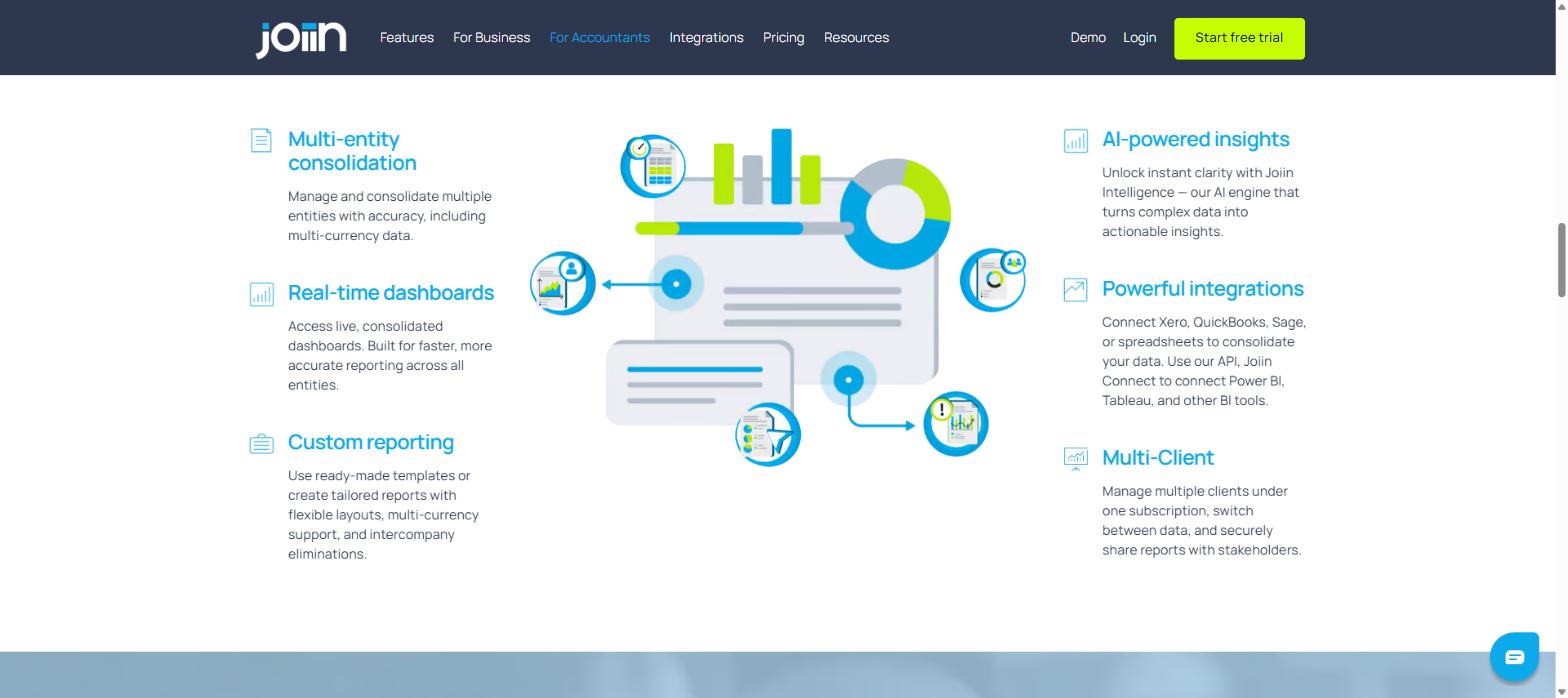
- Multi-entity consolidation: Combine multiple companies or client entities into one accurate, multi-currency report.
- Real-time dashboards: Live, consolidated dashboards pulled directly from connected accounting data.
- Custom reporting: Ready-made templates for P&L, balance sheet, cashflow, and KPIs, or fully tailored report packs with your firm’s branding.
- Joiin Intelligence (AI insights): An AI layer that surfaces trends and anomalies across client data automatically.
- Powerful integrations: Native connections to Xero, QuickBooks, Sage, spreadsheets, and Joiin Connect (API) for Power BI or Tableau.
- IFRS & GAAP-ready reports: Useful for firms that need compliant output for audits or regulatory review.
Pros and Cons
| Pros |
Cons |
| Manage unlimited clients under one subscription |
Per-company pricing can add up for firms with many small clients |
| Unlimited users and reports on every plan |
Deep customisation has a learning curve for new users |
| Native Xero, QuickBooks, and Sage connections |
No always-free tier beyond the 14-day trial |
| Built-in intercompany eliminations and FX conversion |
Advanced BI integrations (Power BI, Tableau) need the API add-on |
Joiin vs Other Practice Reporting Tools
| Tool |
Best known for |
Multi-client management |
| Joiin |
Multi-entity consolidation and branded report packs |
Multi-Client umbrella subscription, unlimited users |
| Fathom |
Financial analysis and forecasting visuals |
Client management available, less focused on consolidation |
| Syft Analytics |
Reporting plus practice management add-ons |
Multi-client dashboards, bundled with wider practice tools |
This comparison reflects each vendor’s general market positioning rather than a side-by-side test; pricing and feature sets change, so confirm current details directly with each provider.
Pricing for Firms Managing Multiple Clients
Joiin prices per company rather than per user, starting at roughly $23/month for one company and scaling up as you add more (for example, around $92/month for 10 companies, or $252/month for 100), with every tier including unlimited users, unlimited reports, and core features like multi-currency and intercompany eliminations. You can check current per-company pricing on Joiin’s official site before committing, since tiers are occasionally adjusted.
Who Should Use Joiin (and Who Shouldn’t)
Joiin Multi-Client makes the most sense for accounting and bookkeeping firms managing several clients’ entities across Xero, QuickBooks, or Sage, especially where consolidated or intercompany reporting is a recurring task. It’s less useful for a solo practice with one simple client, or a business managing only its own single-entity books, where the consolidation tools go largely unused.
Final Verdict
For firms already spending hours each month stitching together client reports by hand, Joiin’s Multi-Client feature is a reasonable trade: a per-company fee in exchange for automated consolidation, live dashboards, and client-ready report packs from one login. Try Joiin free for 14 days and see whether it fits your client list before committing to a paid tier.
FAQ
Does Joiin work with QuickBooks and Sage, or only Xero?
It connects natively to Xero, QuickBooks, and Sage, plus spreadsheets and other sources via Joiin Connect.
How does Multi-Client pricing work?
Joiin charges per company rather than per user, so a firm managing many clients pays based on total companies connected, with unlimited users included at every tier.
Can clients see their own reports in Joiin?
Yes, Multi-Client is built to let firms securely share specific reports with individual clients or stakeholders without exposing other clients’ data.
Is there a free trial for accounting firms?
Joiin offers a 14-day free trial with no credit card required, which is enough time to connect a couple of client files and test the consolidation workflow.