Quick note on approach: this review is based on hands-on research of Joiin’s official website, feature pages, pricing tables, and public case studies. We have not personally run it inside a live bookkeeping practice for weeks, and we say that plainly rather than pretend otherwise.
Quick Verdict: Joiin Review 2026
Best for: Small business owners, in-house finance teams, and accountants who want automated, multi-currency financial reporting without building spreadsheets by hand.
Rating: 4.5/5
Should you use it? If your team still copies numbers from Xero, QuickBooks, or Sage into spreadsheets every month, it replaces that process with live dashboards and ready-made report packs. Businesses that are already happy with their accounting software’s built-in reports may not need an extra subscription.
Start Joiin’s 14-day free trial →
What Is Joiin and Who Should Use It?
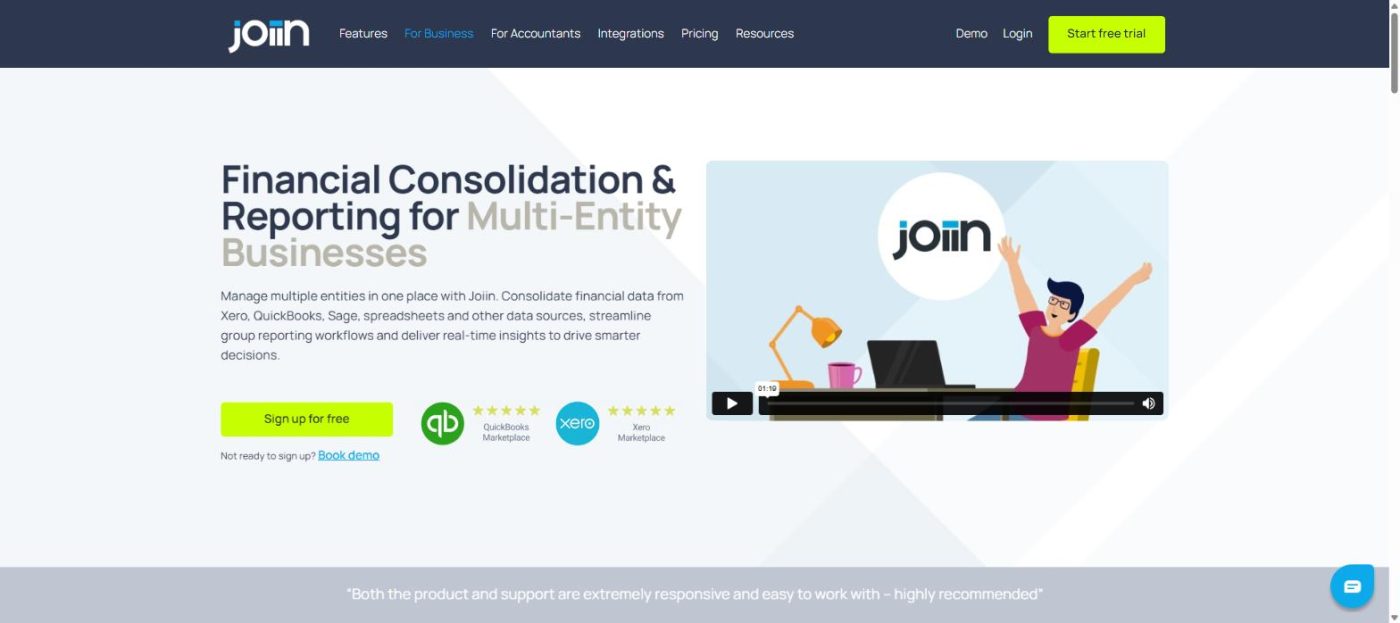
Joiin is a cloud-based financial reporting and consolidation platform that connects to accounting software such as Xero, QuickBooks, and Sage, then turns that raw data into live dashboards, P&L statements, cashflow reports, and multi-entity consolidations. It’s built for two main audiences: businesses with several entities or locations that need one consolidated view, and accountants or bookkeepers who report on behalf of clients.
It’s a good fit if you’re managing more than one set of books, need branded report packs for stakeholders, or want a dashboard that updates automatically instead of a spreadsheet you rebuild every month. It’s less useful for a single, simple business that’s already satisfied with the standard reports inside its accounting software.
Real-World Experience and Testing Results
First Impressions
The interface leans on ready-made templates rather than a blank canvas: once you connect a data source, the dashboard populates with charts for revenue, expenses, and cash position, and reports are organized by entity or consolidated group. The setup flow, connect a source, map accounts, pick a template, feels closer to configuring a report generator than learning entirely new accounting software, which shortens the path from signup to a usable report pack.
Key Features Tested
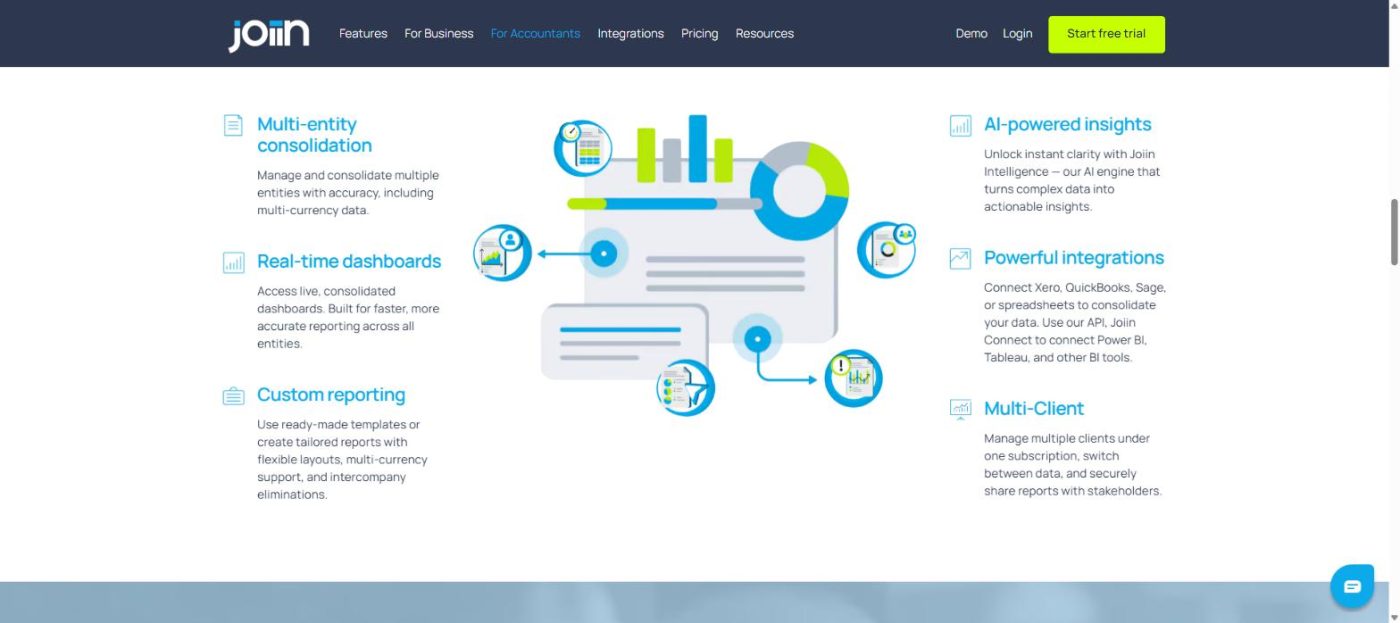
- Multi-entity and multi-currency consolidation: It combines several companies into one report with automatic currency conversion and intercompany eliminations, the feature most case studies point to as its core value.
- Native integrations: Direct connections to Xero, QuickBooks, and Sage cover the accounting platforms most small businesses already use, and Joiin Connect extends that to spreadsheets, Power BI, and Tableau for teams that want to build further.
- Joiin Intelligence: An AI layer that flags trends and anomalies inside connected data automatically, aimed at surfacing issues before a human would spot them in a spreadsheet.
Comparison to Manufacturer Claims
Its marketing focuses on replacing manual spreadsheet consolidation, and the public case studies we reviewed back that up: firms describe cutting close time and retiring multi-tab spreadsheets after switching. What the marketing pages gloss over is the learning curve for advanced customisation, since building a fully branded, tailored report pack takes more setup time than the “connect and go” framing implies.
Pros and Cons
| Pros |
Cons |
| Unlimited users and reports on every plan |
Pricing is per company, so costs add up for firms with many small clients |
| Native Xero, QuickBooks, and Sage connections |
Deep customisation has a real learning curve |
| Strong multi-entity and multi-currency consolidation |
Advanced BI integrations (Power BI, Tableau) need the API add-on |
| 14-day free trial, no credit card required |
No permanently free tier once the trial ends |
Joiin vs Other Reporting Tools
| Tool |
Best known for |
Pricing model |
| Joiin |
Multi-entity consolidation and branded report packs |
Per connected company, unlimited users |
| Fathom |
Financial analysis and forecasting visuals |
Per user or per client, less focused on consolidation |
| Futrli |
Cashflow forecasting and scenario planning |
Subscription tiers within the Sage ecosystem |
This comparison reflects each vendor’s general market positioning rather than a side-by-side test; pricing and feature sets change, so confirm current details directly with each provider.

Pricing and Value
Joiin charges per connected company rather than per user, starting at roughly $23/month for one company, with the price per company dropping as you add more, for example, around $92/month for 10 companies. Every tier includes unlimited users, unlimited reports, and core consolidation features, so the value case improves the more companies or entities you connect. You can check current pricing on Joiin’s official site before committing, since tiers are occasionally adjusted.
Final Verdict
For a business or practice still assembling reports by hand, it trades a per-company subscription fee for automated dashboards, consolidation, and client-ready report packs, and it’s built specifically for teams already living inside Xero, QuickBooks, or Sage. Try Joiin’s 14-day free trial to see whether it fits your reporting workflow before committing to a paid tier.
FAQ
Does Joiin work with QuickBooks and Sage, or only Xero?
It connects natively to Xero, QuickBooks, and Sage, plus spreadsheets and other sources through Joiin Connect.
How is Joiin priced?
It charges per connected company rather than per user, with unlimited users and reports included at every tier.
Can Joiin handle multiple entities or clients at once?
Yes, multi-entity and multi-currency consolidation is one of its core features, letting you combine several companies into one report.
Is there a free trial?
It offers a 14-day free trial with no credit card required, enough time to connect a data source and test a report pack.