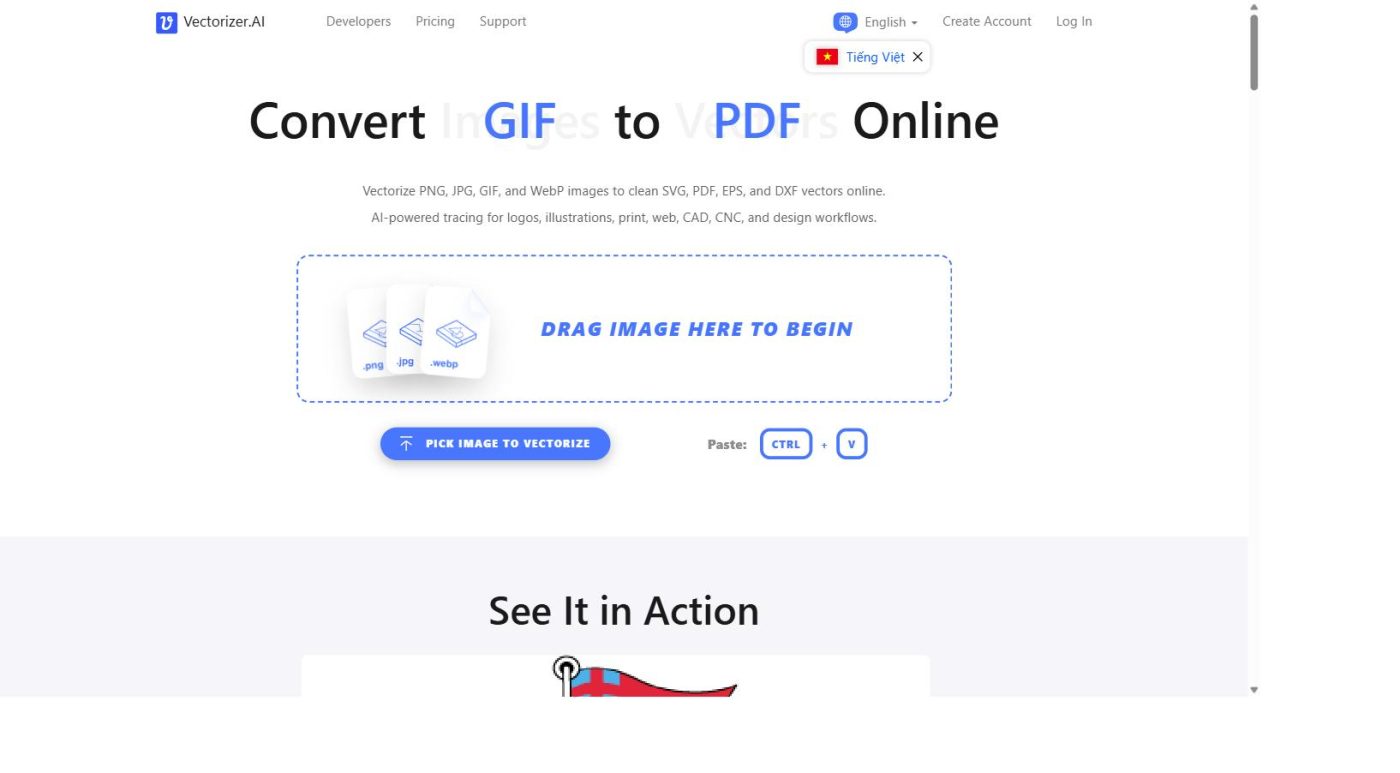
This Vectorizer.AI Alternatives guide compares Vectorizer.AI against Adobe Illustrator’s Image Trace and Vector Magic to see which raster-to-vector tool actually delivers the cleanest results in 2026, so you can pick the right option before committing to a subscription. Searching for a Vectorizer.AI alternative usually means one of two things: you already pay for another creative tool and don’t want a second subscription, or you tried a free vectorizer and were unhappy with jagged edges and messy paths. Either way, this comparison walks through how Vectorizer.AI’s AI-driven engine stacks up against the two tools most commonly suggested as substitutes, and whether switching away is actually worth it.
QUICK VERDICT
- Rating: 4.5/5
- Best for: Anyone comparing raster-to-vector tools who wants clean output without hours of manual tracing
- Should you switch? Not usually, Vectorizer.AI’s free preview and full shape fitting still outperform most alternatives on logos and line art
- Try before you decide: Test your own image on Vectorizer.AI’s free preview before paying for any tool
WHAT ARE THE BEST VECTORIZER.AI ALTERNATIVES & WHO SHOULD CONSIDER THEM?
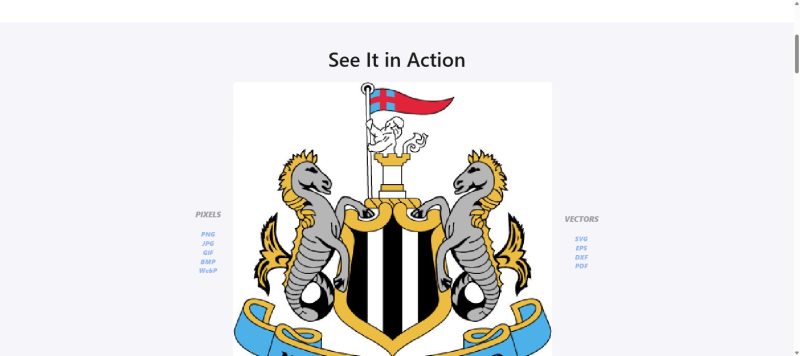
When people search for Vectorizer.AI alternatives, they usually land on the same two names: Adobe Illustrator’s Image Trace and Vector Magic. Both can turn a raster image into vector paths, but neither was purpose-built around a proprietary AI vector engine the way Vectorizer.AI was. Who should consider a Vectorizer.AI alternative:
- Designers who already pay for an Illustrator subscription and only vectorize images occasionally
- Users who want tracing and vector editing bundled into a single application
- Anyone with a one-off image who wants a pay-per-use or desktop license instead of a recurring subscription
Who should stick with Vectorizer.AI instead:
- Anyone who regularly vectorizes logos, illustrations, or scanned line art and wants the cleanest possible output
- Users who want to preview the exact result on their own image for free before paying anything
- Developers who need an API to automate vectorization inside their own apps
REAL EXPERIENCE: COMPARING VECTORIZER.AI ALTERNATIVES
FIRST IMPRESSIONS
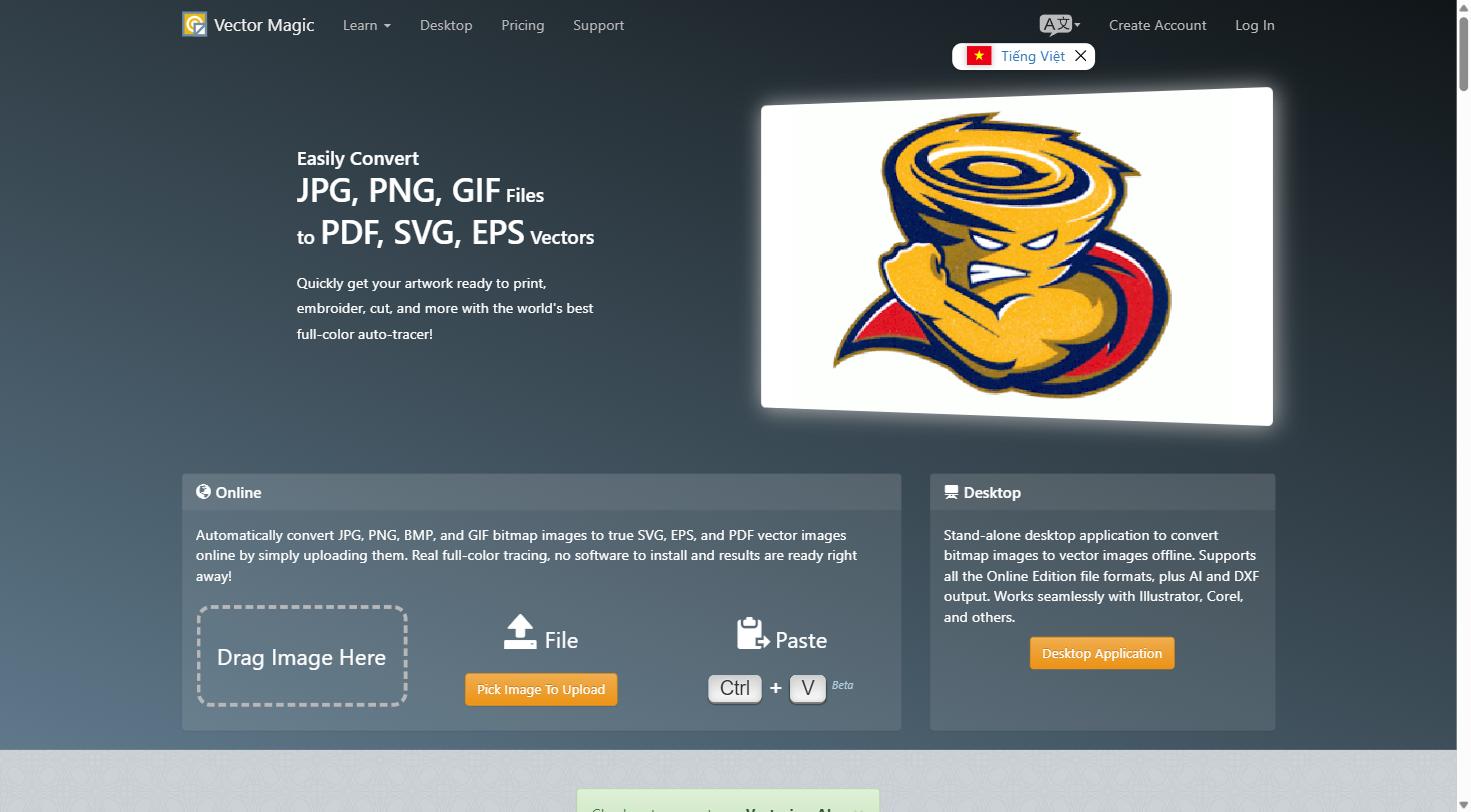
This section of the Vectorizer.AI Alternatives comparison looks at how each tool actually feels to use in practice. Vectorizer.AI stays browser-based and minimal: drop an image in and the AI engine returns an interactive preview automatically, with no plug-ins or manual tracing tools required. Adobe Illustrator’s Image Trace lives inside a full desktop application, so it is more capable for editing afterward but noticeably heavier just to trace a single logo.
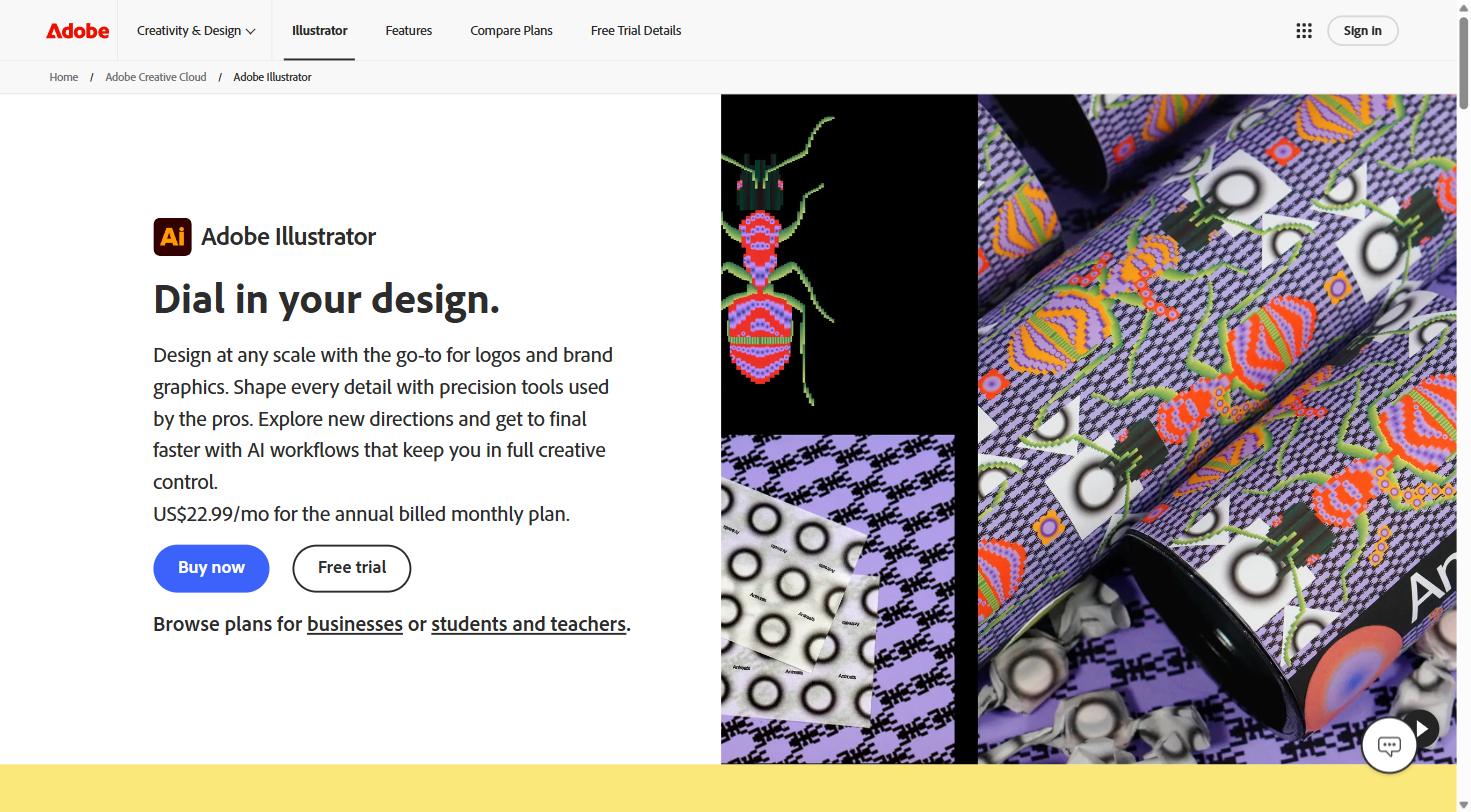
Vector Magic sits in between the two, offering both a web version and a desktop app with more manual control over tracing thresholds and color reduction.
CORE FEATURES SIDE BY SIDE
- Engine type: Vectorizer.AI uses an in-house deep-learning model trained on a proprietary dataset, while Illustrator and Vector Magic rely on heuristic, rule-based tracing algorithms.
- Shape fitting: Vectorizer.AI can fit full geometric shapes such as circles and rounded rectangles instead of approximating every curve as a Bezier path.
- Editing after tracing: Illustrator wins here, since the traced result opens directly inside a full vector editing environment.
- Preview before paying: Vectorizer.AI and Vector Magic both let you preview results first; Illustrator requires an active subscription just to access Image Trace at all.
VS. MARKETING CLAIMS
Adobe markets Image Trace as a quick way to convert sketches and logos without ever leaving Illustrator, which holds up well if you already know your way around the app, but the default tracing presets often need manual node cleanup that Vectorizer.AI’s engine tends to handle automatically. Vector Magic promotes its “fully automatic” heuristic engine as competitive with any AI-based tool, and it performs reasonably on simple, high-contrast logos, though fine detail and anti-aliased edges tend to hold up better in Vectorizer.AI’s output.
PROS & CONS OF SWITCHING TO A VECTORIZER.AI ALTERNATIVE
PROS
- No new subscription needed if you already pay for Adobe Illustrator
- Vector Magic offers a one-time desktop license, useful for infrequent users
- Tracing and editing happen inside the same app with Illustrator, saving a step
- More manual control over tracing thresholds in Vector Magic
CONS
- Neither alternative uses a proprietary AI-trained vector engine
- Illustrator’s Image Trace often needs manual node cleanup on detailed artwork
- Vector Magic’s interface feels dated next to Vectorizer.AI’s streamlined preview
- No API option comparable to Vectorizer.AI’s for automated, code-driven workflows
HOW THE VECTORIZER.AI ALTERNATIVES COMPARE
| Tool |
Access |
Standout Feature |
Best For |
| Vectorizer.AI |
Browser-based, free preview |
In-house AI vector engine with full shape fitting |
Designers and print shops needing the cleanest automated output |
| Adobe Illustrator (Image Trace) |
Bundled inside an Illustrator subscription |
Immediate vector editing after tracing |
Illustrator users who only vectorize occasionally |
| Vector Magic |
Desktop app or web, one-time or subscription |
Manual control over tracing thresholds |
Users who want a one-time license instead of a subscription |
PRICING & VALUE
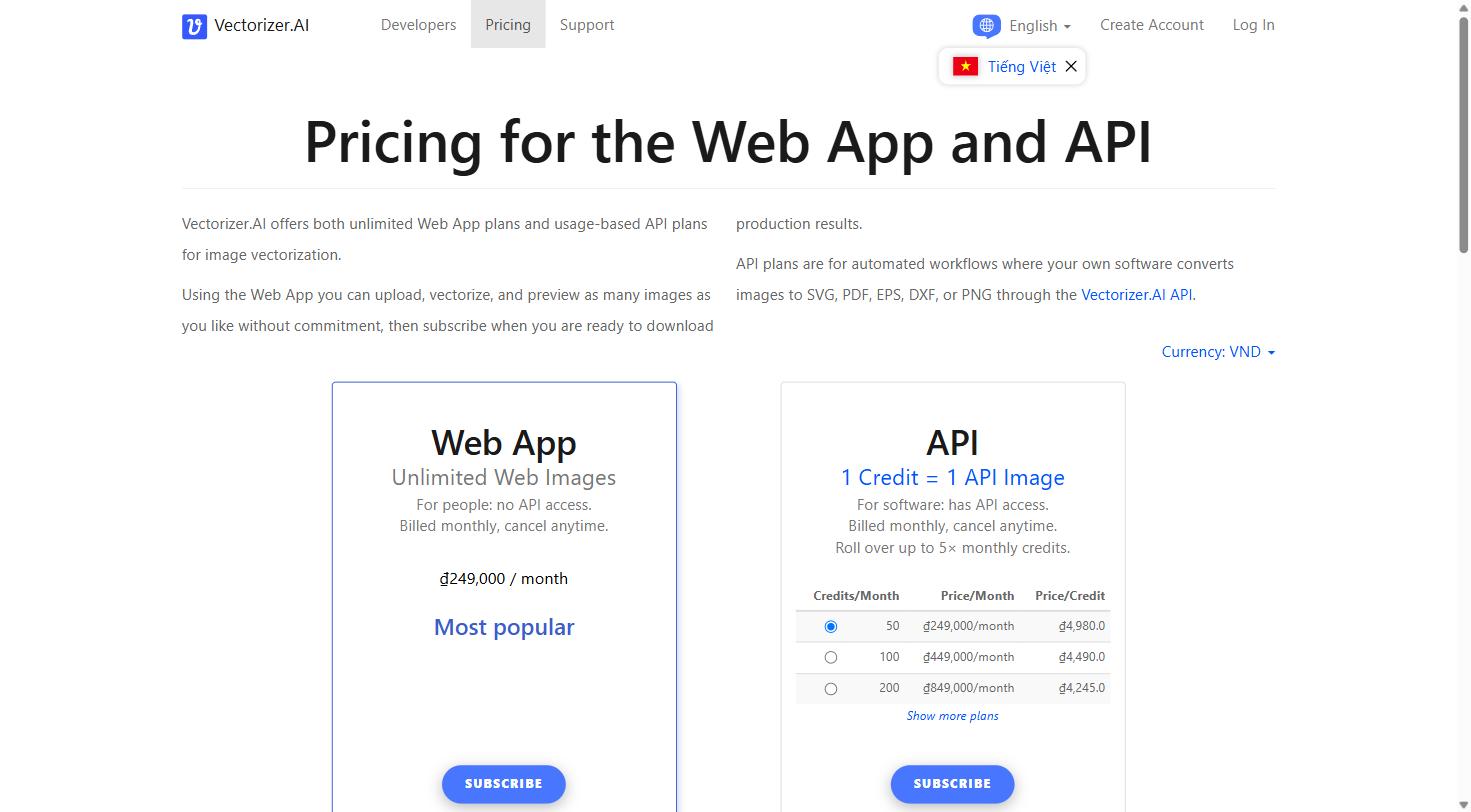
Vectorizer.AI’s Web App plan runs about $9.99 per month for unlimited vectorized downloads, with separate API credits available for automated workflows. Adobe Illustrator’s Image Trace has no standalone price since it only exists inside a full Illustrator subscription, which starts higher than Vectorizer.AI alone if you don’t already use Illustrator for other work. Vector Magic offers a lower-cost personal plan and a one-time desktop license, which can undercut Vectorizer.AI for very light, occasional use, but neither alternative includes an unlimited free preview quite as generous as Vectorizer.AI’s.
FINAL VERDICT: ARE VECTORIZER.AI ALTERNATIVES WORTH SWITCHING TO?
After comparing the two most commonly recommended Vectorizer.AI alternatives, neither one fully replaces what makes Vectorizer.AI useful for regular vectorization work: an AI-trained engine, full geometric shape fitting, and a free interactive preview on your own image before you pay anything. Illustrator’s Image Trace makes sense if you already live inside Illustrator and only need tracing occasionally. Vector Magic is worth a look if you would rather pay once than subscribe monthly. Use a Vectorizer.AI alternative if: you already pay for Illustrator, or you strongly prefer a one-time license over any recurring subscription. Stick with Vectorizer.AI if: you regularly convert logos or illustrations and want the cleanest AI-driven output with a free preview first. Ready to compare the output for yourself? Try Vectorizer.AI’s free preview here before choosing an alternative.
FAQS
1. What is the closest free alternative to Vectorizer.AI? Most free online converters use older heuristic tracing methods and tend to produce rougher output than Vectorizer.AI’s AI-driven engine, especially on detailed logos and illustrations.
2. Is Adobe Illustrator’s Image Trace as good as Vectorizer.AI? It is convenient if you already use Illustrator daily, but its default tracing presets typically need more manual cleanup than Vectorizer.AI’s output straight out of the preview.
3. Does Vector Magic have a free trial? Vector Magic offers a limited free preview, similar in concept to Vectorizer.AI’s, before you have to pay to download the finished file.
4. Which option is cheapest for a single image? Vector Magic’s one-time desktop license can work out cheaper for a single use, while both Vectorizer.AI and Illustrator are subscription-based.